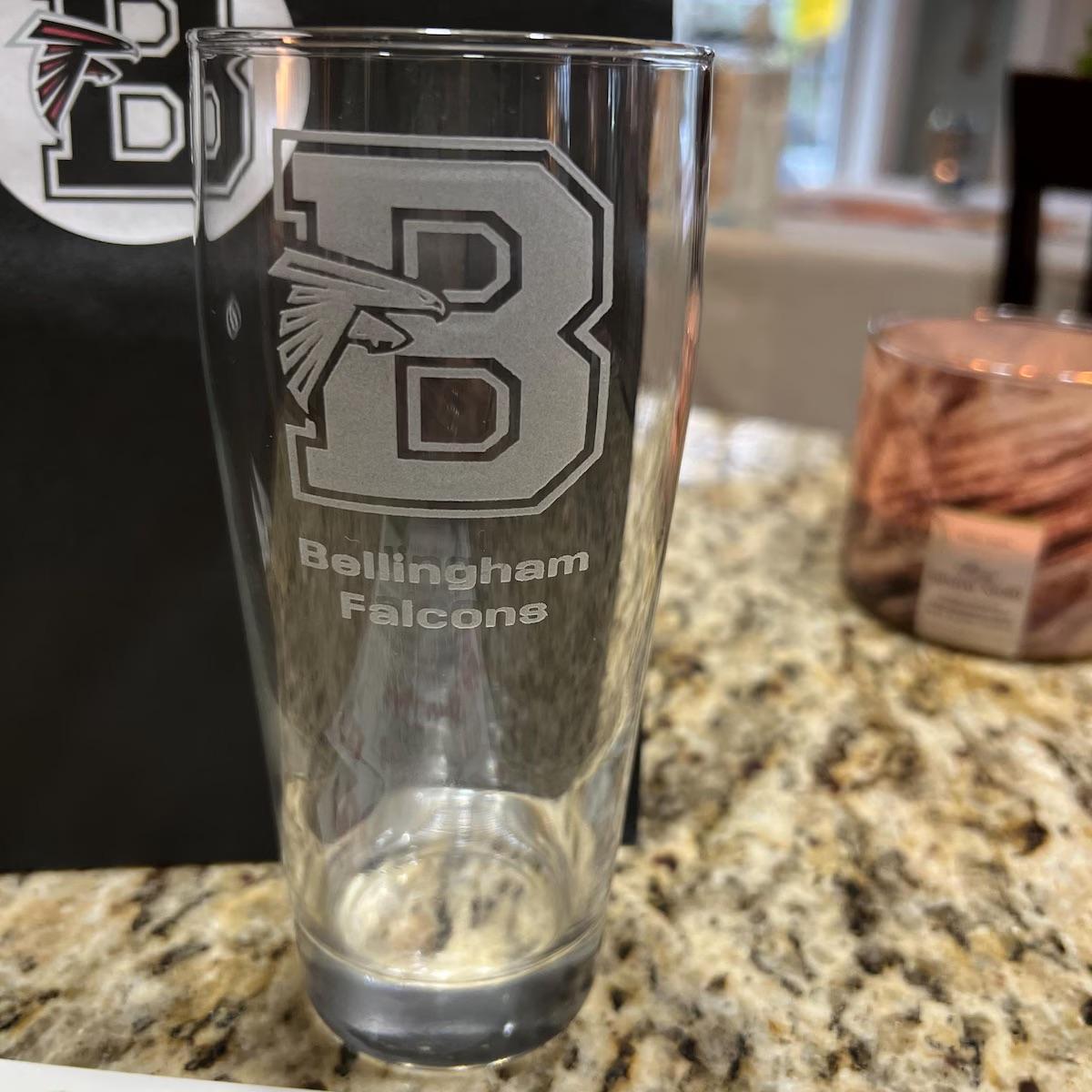
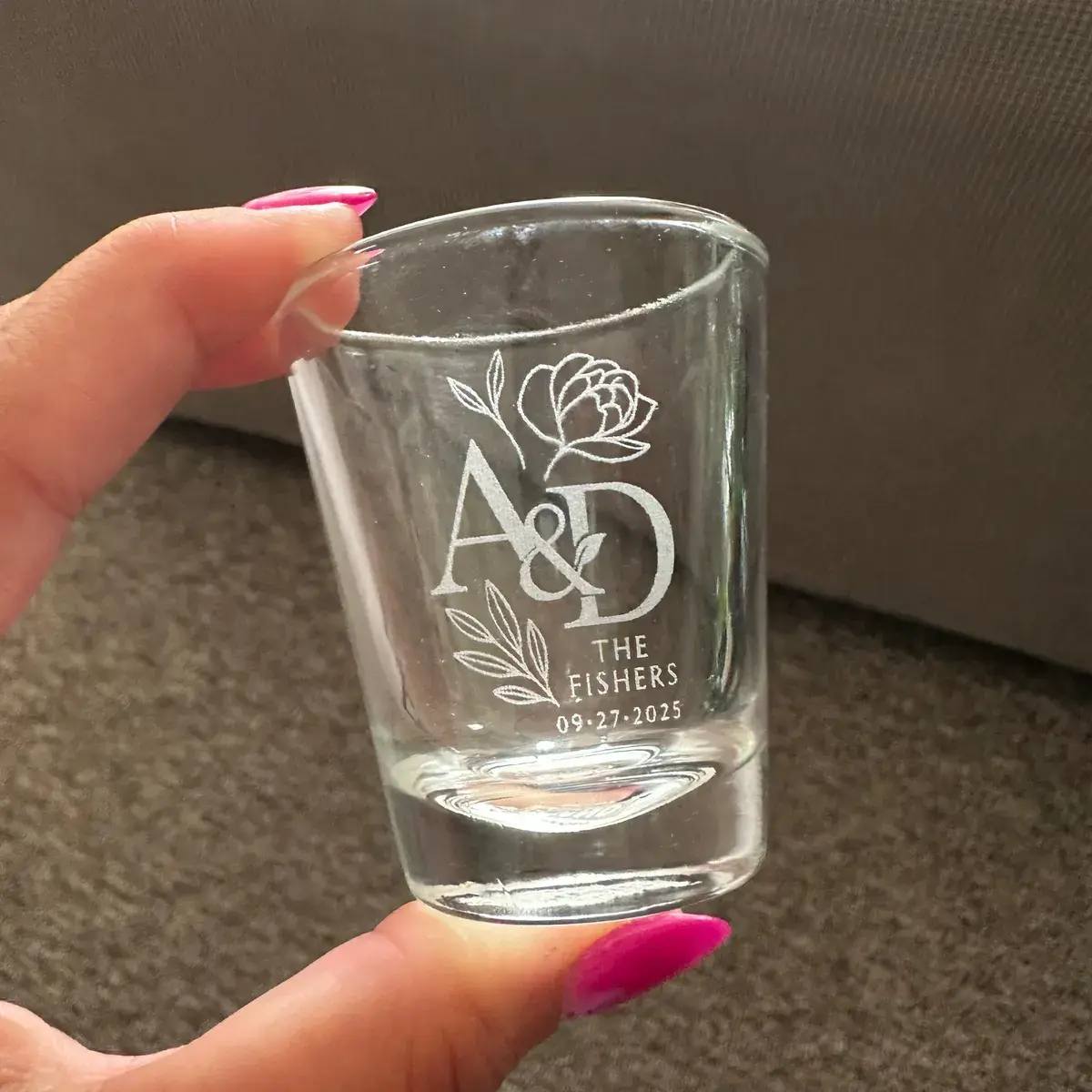
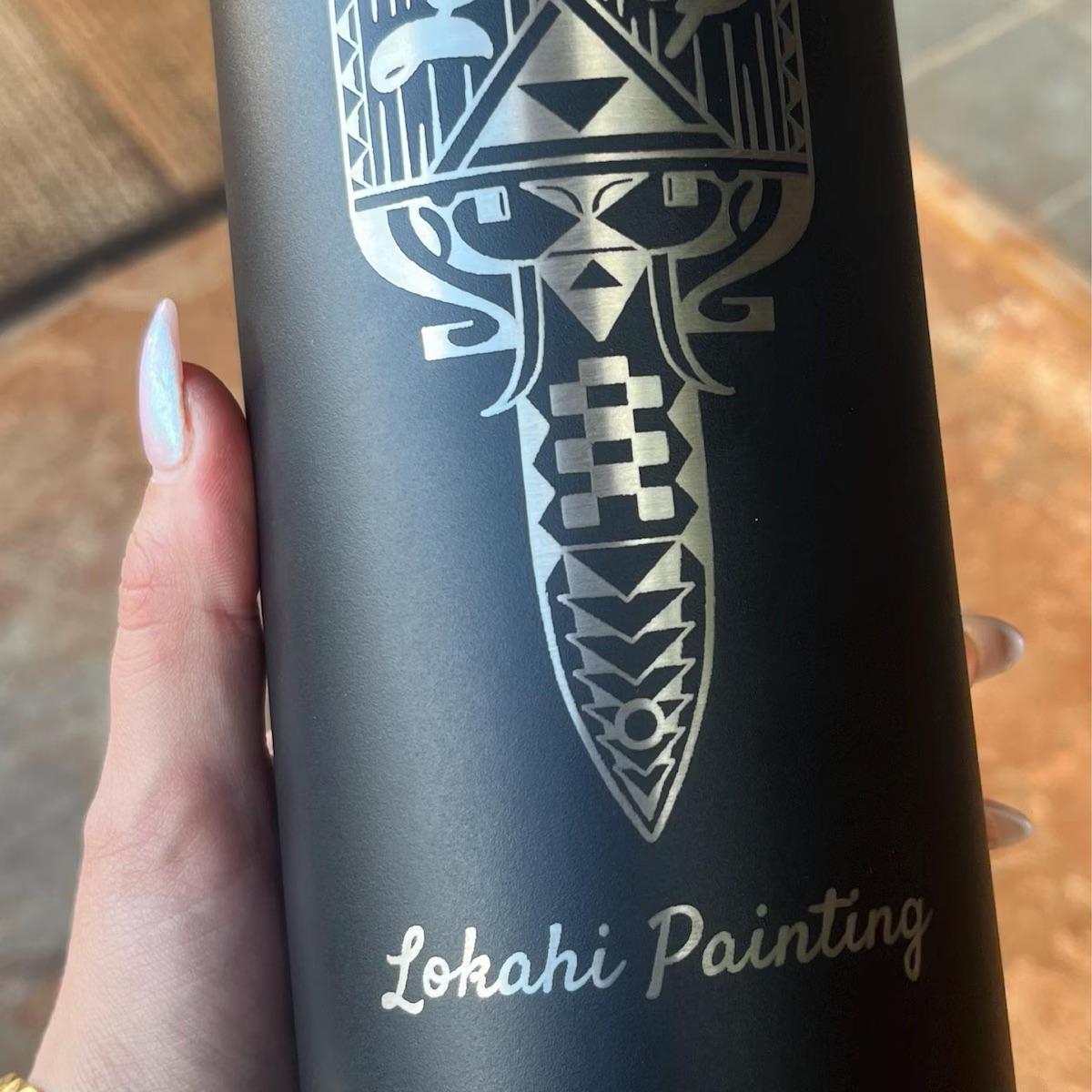
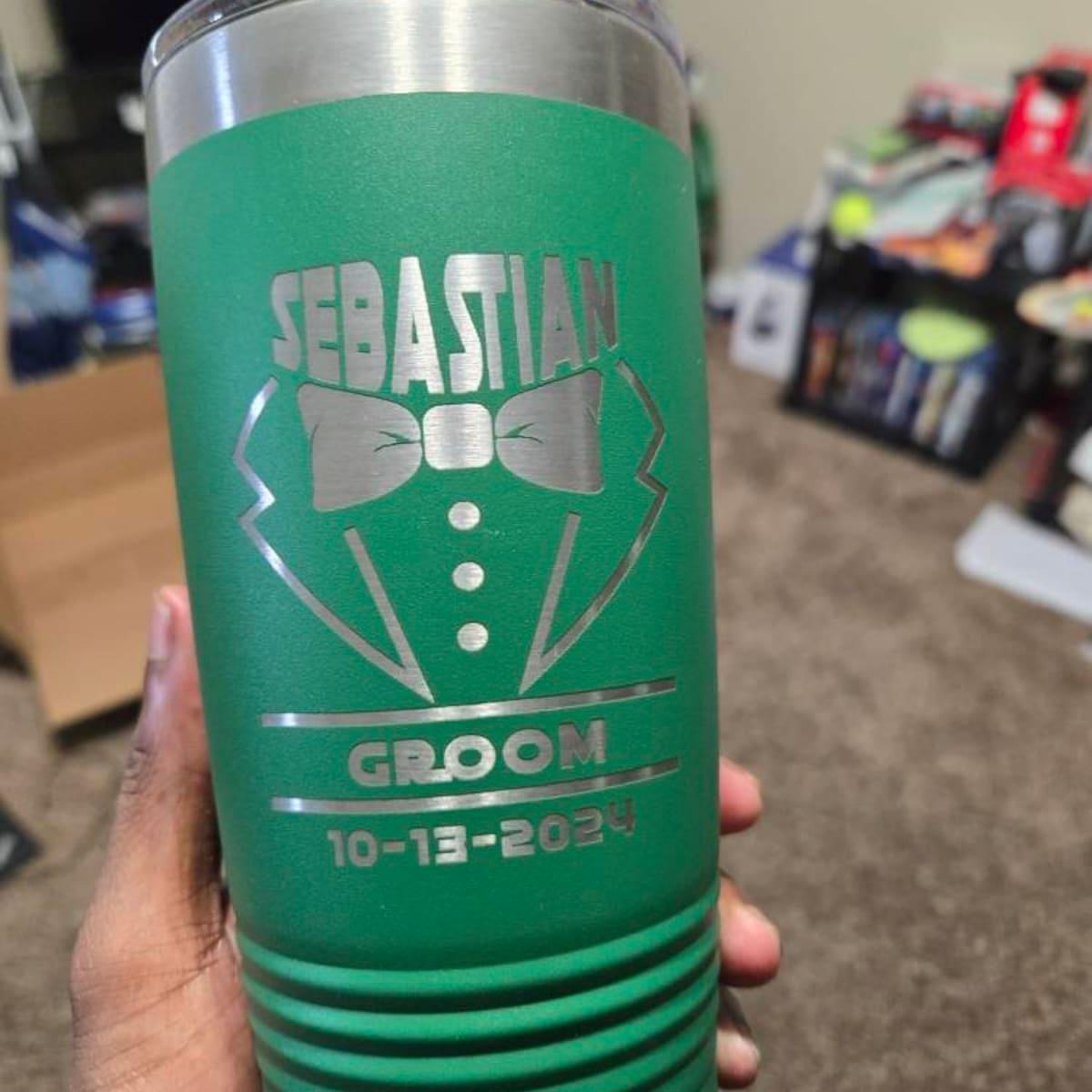
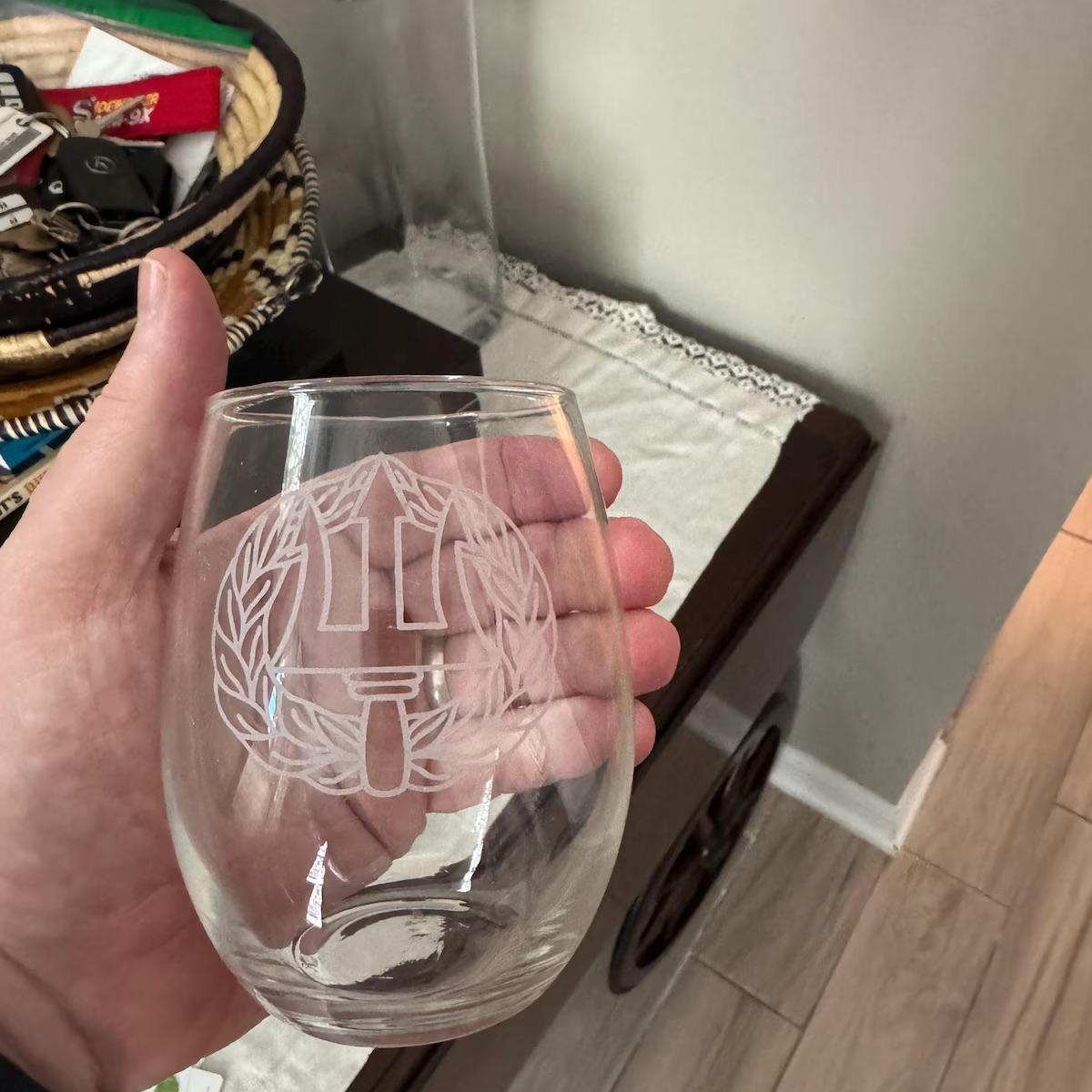
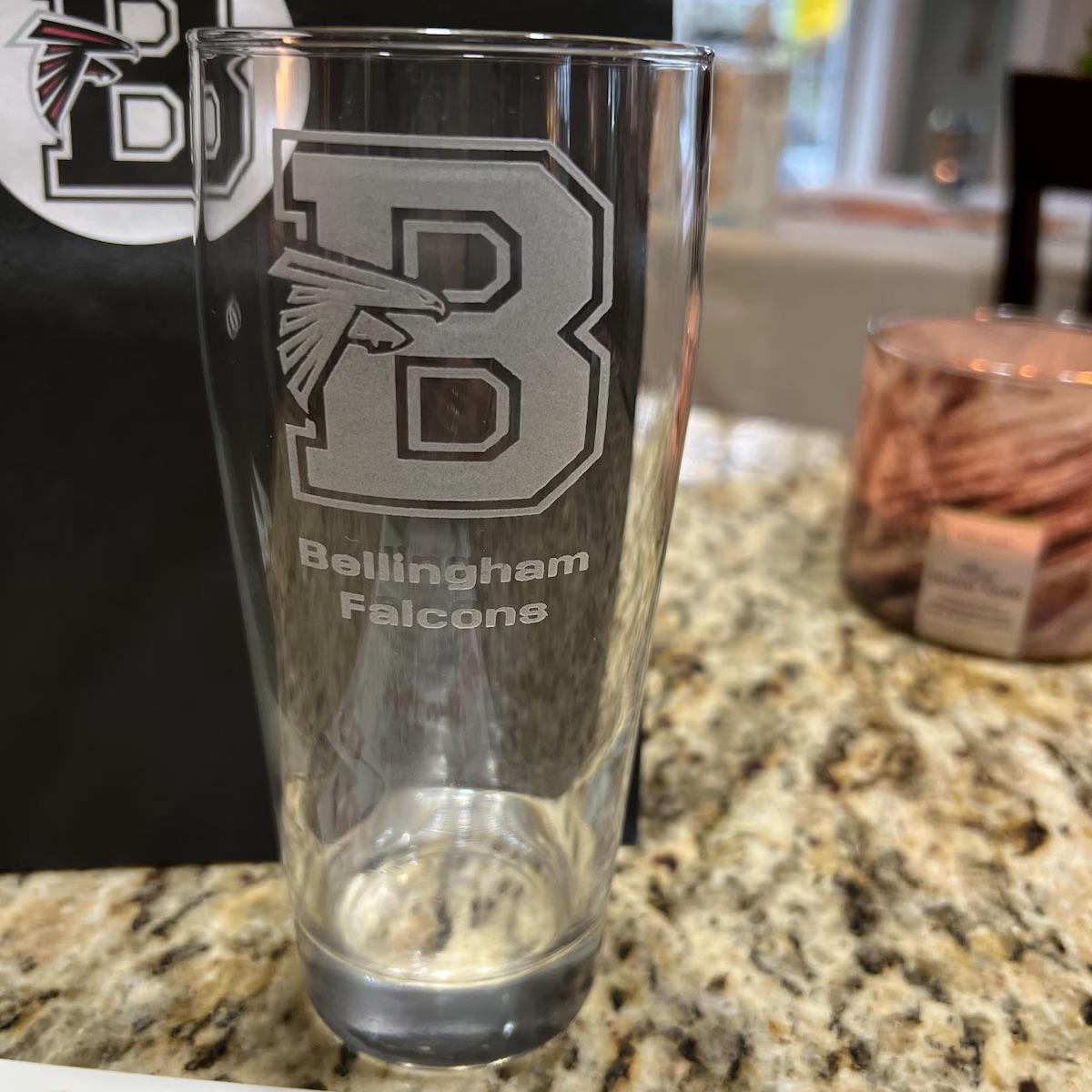
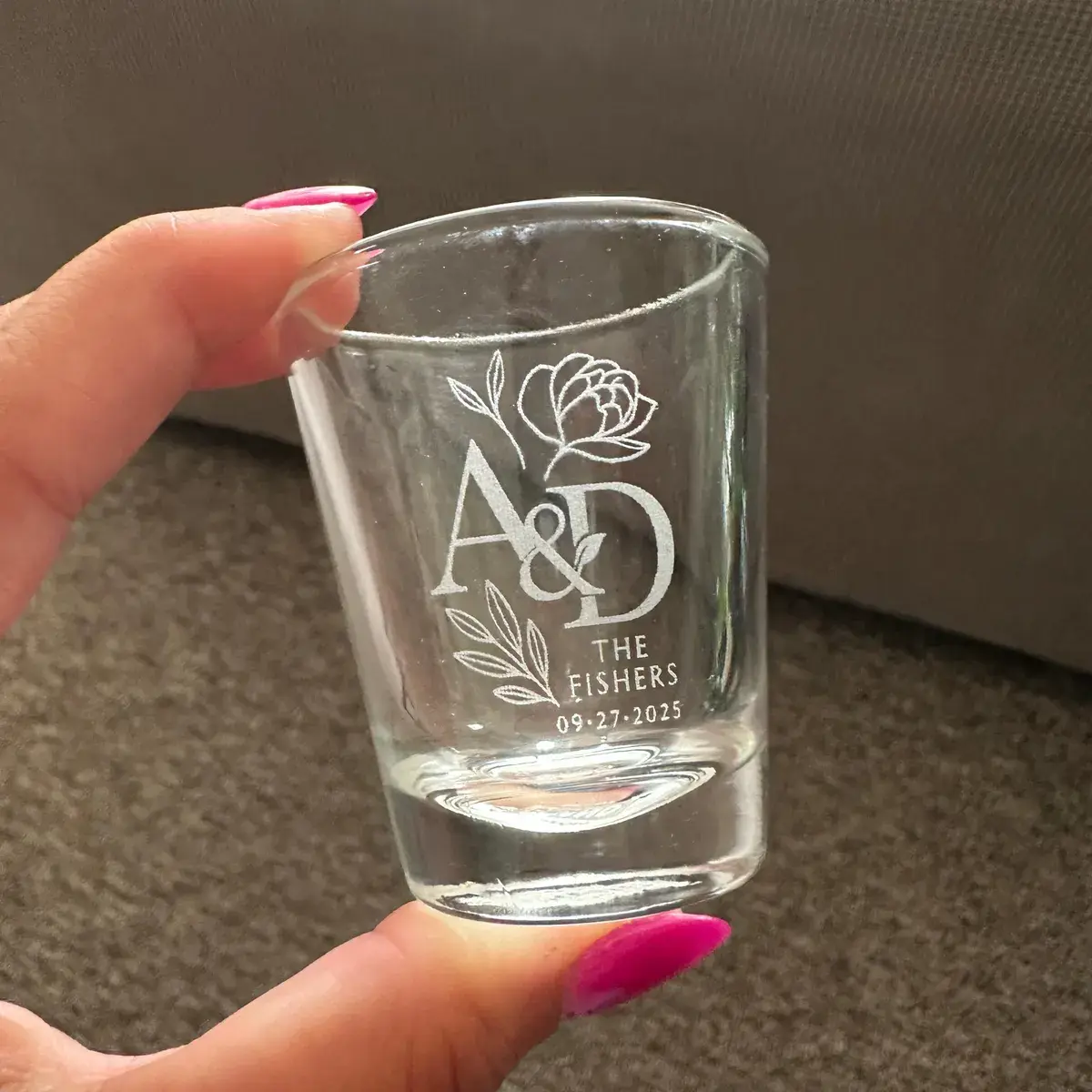
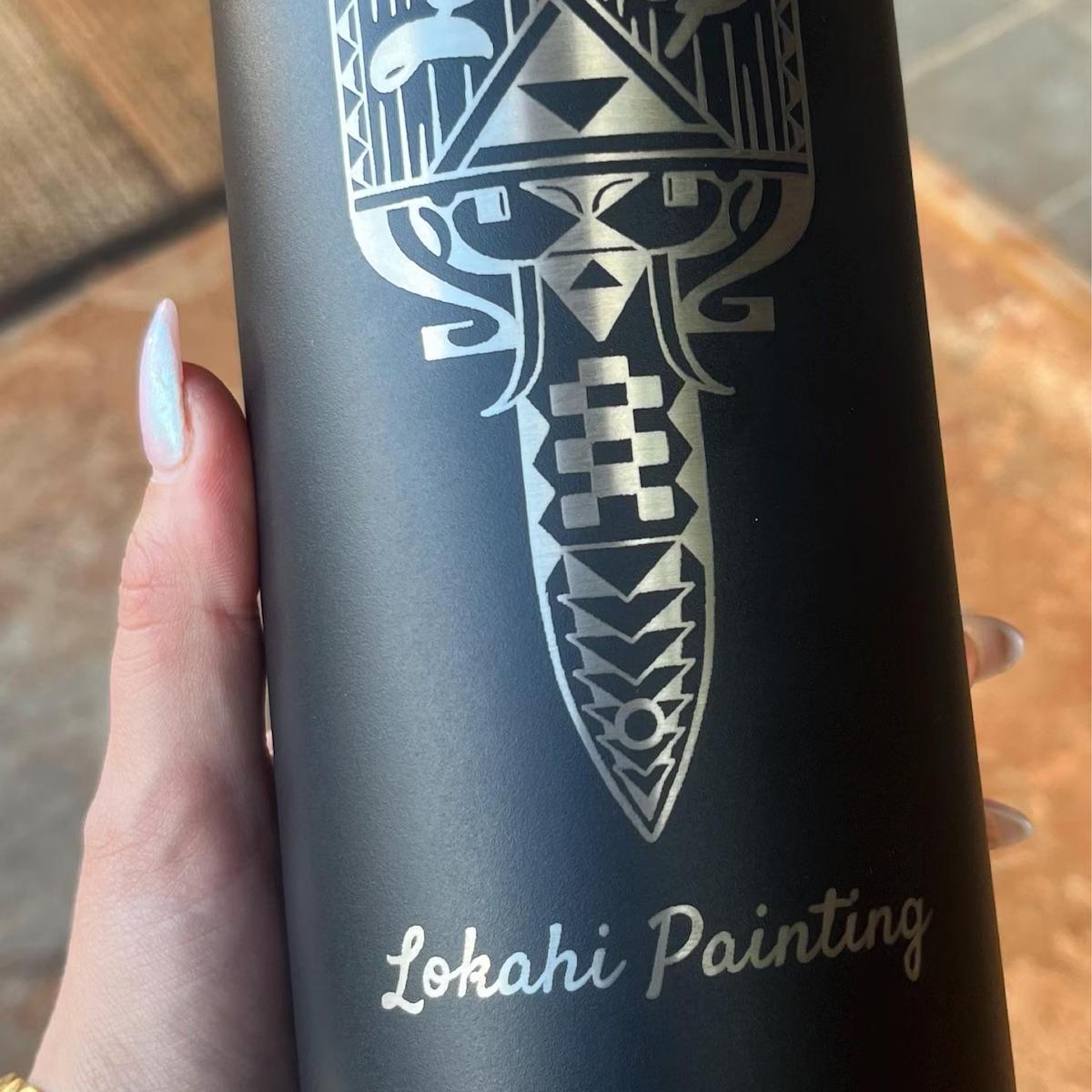
Free Shipping within the Continental United States
Please review carefully. Placing an order confirms that you have read, understood, and agreed to the policies outlined below.
To help keep your order moving smoothly and avoid delays, please review this information carefully before reaching out.
⚠️ IMPORTANT: Our team prioritizes production and order fulfillment.
For this reason, we’re only able to respond to questions that are not already answered in this FAQ.
Please review fully before messaging. Questions covered here will be redirected back to this page.
Once your checkout is complete, Etsy automatically sends an order confirmation email to the email address associated with your Etsy account.
This confirmation means we’ve successfully received your order and it includes:
The product(s) ordered
The quantity selected
The pricing tier chosen at checkout
Any design, text, or logo submitted during checkout (if applicable)
If you received this email, your order is officially in our system.
The order confirmation email is sent by Etsy, not us directly.
If you don’t see it, please check your spam or promotions folder.
You can also view your order anytime by logging into your Etsy account and going to Purchases & Reviews.
It does not mean your order is already in production.
Some orders require an additional design submission through a personalization link or our design form before production can begin.
If additional steps are required, instructions are always provided in the listing’s personalization section and/or in a follow-up message from our team.
As long as you received the Etsy order confirmation, your order has been received successfully.
After checkout, your order is received but cannot move into production until your design or logo is submitted.
To move your order forward, please follow the design submission method listed in your specific product listing.
We handle design submissions in two different ways, depending on the listing you ordered.
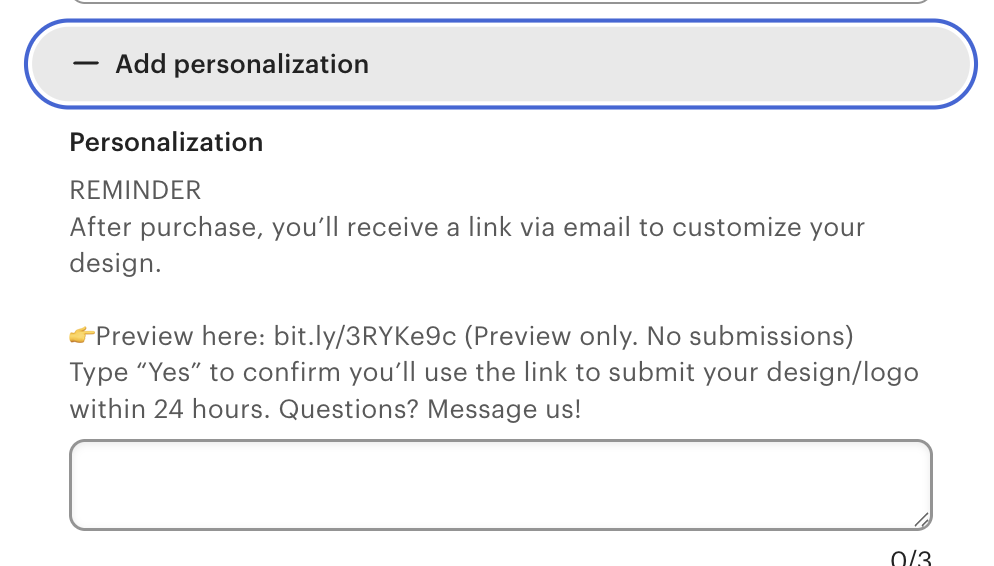
👉 You can confirm which option applies to your order by checking the Personalization section of the listing you purchased.
Some listings include a personalization or live preview link.
If your listing includes this option:
You will receive a personalization link after checkout
Upload your design or enter your text directly using that link
You’ll see:
The general placement of your design
An approximate engraving size
⚠️ Important:
For listings with a live preview, the submitted preview acts as your final proof. Once submitted, we proceed using the design exactly as shown.
If your listing does not include a personalization or live preview link, you must complete our design submission form immediately:
Use this form to upload your logo, text, or artwork and provide any necessary details.
Orders remain on hold until we receive your design
Production timelines do not begin until the design submission is completed
Delays in submitting your design will delay your order
Once your design is submitted:
Our team reviews it for engraving readiness
If the file is acceptable, your order is queued for production
If revisions, clarification, or a design fee are required, we’ll contact you before proceeding
Submitting your design promptly helps ensure the fastest possible turnaround.
This is a very common mistake. Each listing includes pricing tier options based on order quantity, shown as a dropdown when you check the product.
Each pricing tier reflects the price per item, and you must still enter the total number of items you want to order.
Pricing tier selected: 2–4 glasses
Quantity entered: 1
This means you ordered 1 glass at the 2–4 glass price.
Many customers assume that selecting the 2–4 glasses pricing tier automatically includes 2–4 glasses.
It does not.
If you selected the 2–4 glasses pricing tier, you should have entered a quantity of 4 (or the exact number of glasses you want within that range).
If the quantity entered is incorrect:
Your order is placed on hold
Production cannot begin until it is corrected
Please message us with the correct total quantity you want to order.
We’ll calculate the price difference and send an invoice for the remaining balance.
Your order will stay on hold until pricing is corrected.
Pricing tier = price per item
Quantity = number of items you receive
Production starts only after quantity and pricing are correct
Now that your order has been placed, the total cost is based on what was submitted at checkout and may need adjustment if any details were missing or incorrect.
Your final price depends on three things:
Total number of items ordered
Number of front designs used
The engraving or customization option selected
If any of these don’t match what was intended, your order may be placed on hold until pricing is corrected.
Once your order is reviewed, we confirm pricing using the same structure shown in the listing:
The pricing tier selected applies per item
Quantities must match the selected tier
Each unique front design is priced separately
If everything matches, your order proceeds as scheduled.
If not, we’ll contact you to correct it.
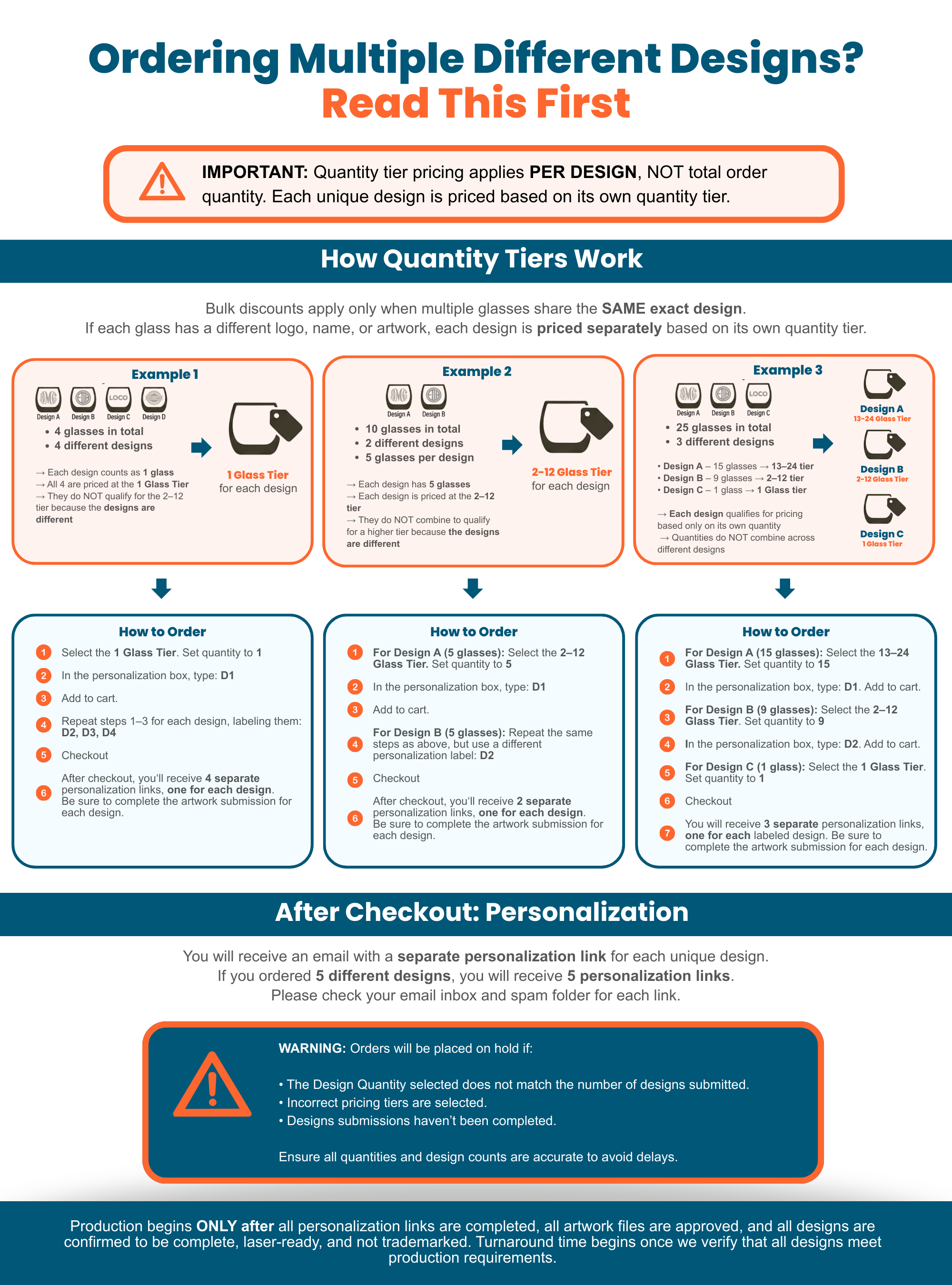
If your order includes multiple different front designs, each design must be ordered separately using its own quantity tier. Quantities do not combine across different designs. If this was not done correctly, your order may be placed on hold and we will contact you to correct it.
If your order doesn’t meet the correct pricing tier, it will be placed on hold until the issue is corrected.
This may happen if your order includes any of the following:
Incorrect quantity selected for the pricing tier
Multiple front designs placed under a single pricing tier
Multiple front designs placed under a single pricing tier — each design must be ordered at its own quantity tier
Production does not begin
Your order will not move into the production queue
Turnaround time is paused until pricing is corrected
If your order is on hold:
Message us with the correct quantity per design, or
Let us know if you have multiple front designs
We’ll calculate the difference and send an invoice if needed.
Once pricing is corrected and any required invoices are paid, your order will move forward.
Bulk pricing applies per design, not across multiple designs
Quantities must match the selected pricing tier
Orders remain on hold until all pricing requirements are met
Yes, but each design must be ordered separately using its own quantity tier. Quantities do not combine across different designs.
Please review the image below carefully. If your order was not placed correctly, message us and we will help you sort it out.
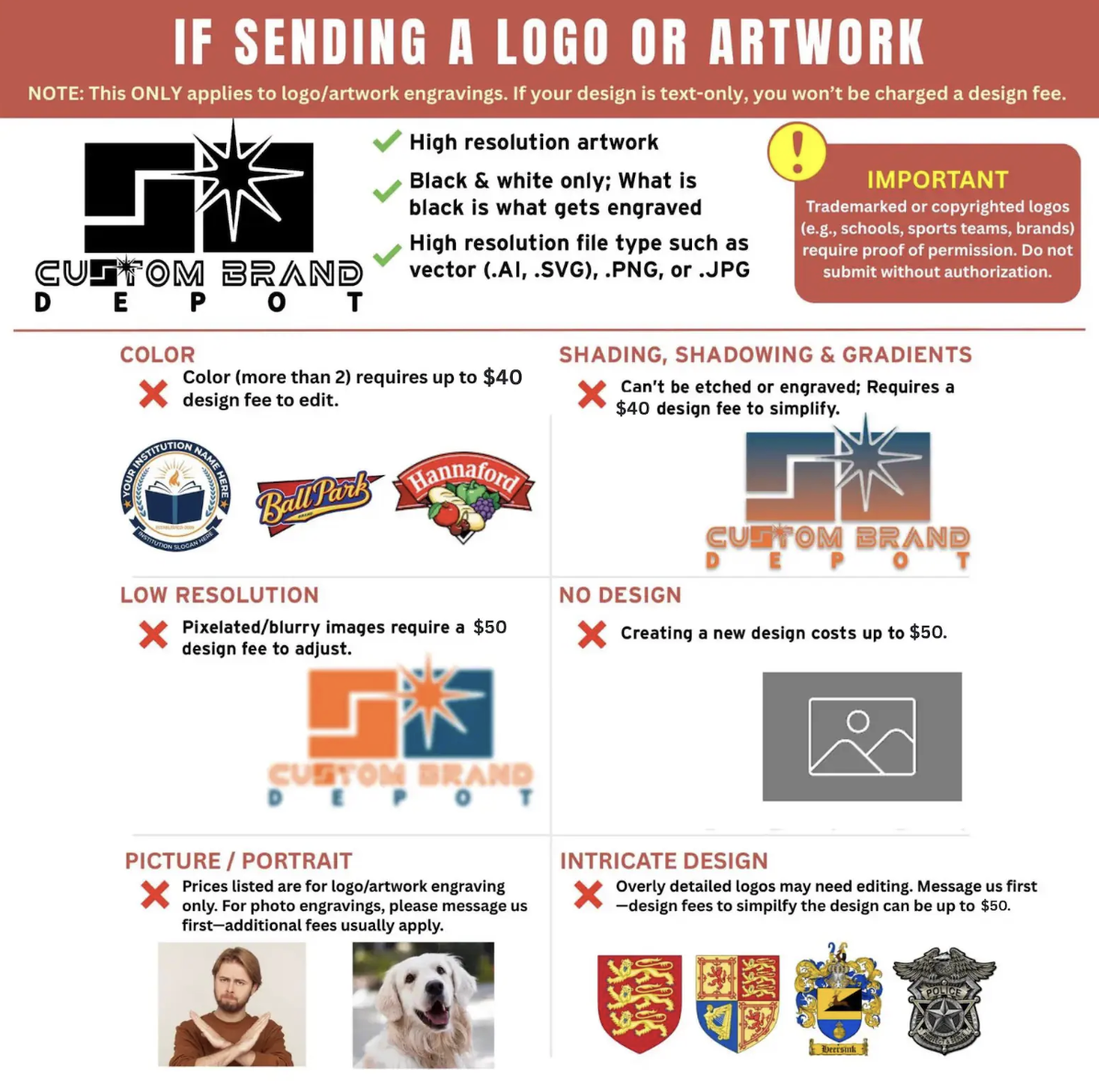
Design fees apply only if your artwork needs work to make it laser-ready. The exact fee depends on what adjustments are required.
You may purchase a design fee as long as you know which category your design falls under. If you’re unsure, we recommend waiting for our confirmation first.
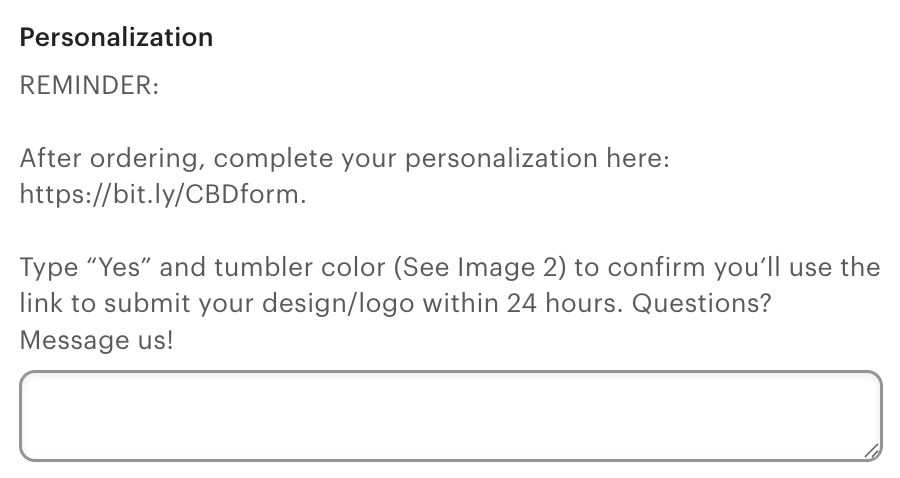
Send your logo or artwork using the method listed on the listing page. You can check it under the personalization section as shown below:
Upload through the personalization preview link, or
Submit via our design form:
After submitting your file, either:
Wait for us to confirm the required design fee, or
Review the Design Fee Breakdown below and match your artwork to the correct category
Each category has a specific fee and a direct purchase link.
Once you know where your design falls, purchase only the applicable design fee using the provided link.
⚠️ Please avoid guessing. Purchasing the correct fee helps prevent delays.
After payment:
We convert your artwork into a laser-ready file
We confirm engraving size and placement when applicable
Your order moves forward once everything is approved
Applies to minor adjustments only, such as:
Inverting part of a design
Simple layout tweaks
Minor spacing or alignment changes
👉 $15 Design Fee Purchase Link
Applies when your file requires cleanup to engrave properly, including:
Colored designs (more than one color)
Original file
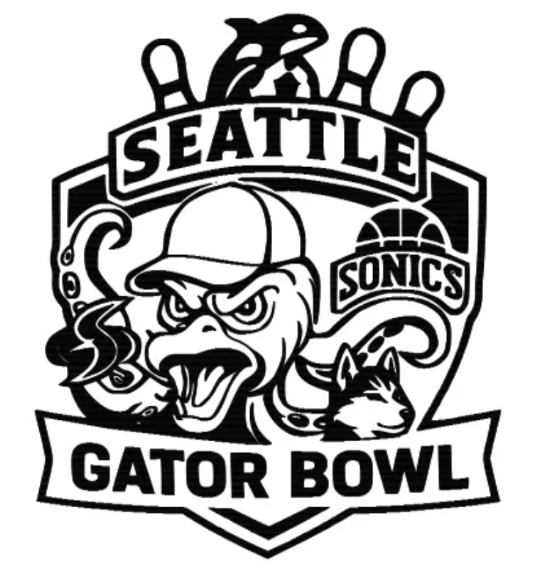
Edited file

Shading, shadowing, or gradients
Low-resolution, blurry, or pixelated files

Artwork is simplified and converted to a solid black design for engraving.
👉 $35 Design Fee Purchase Link
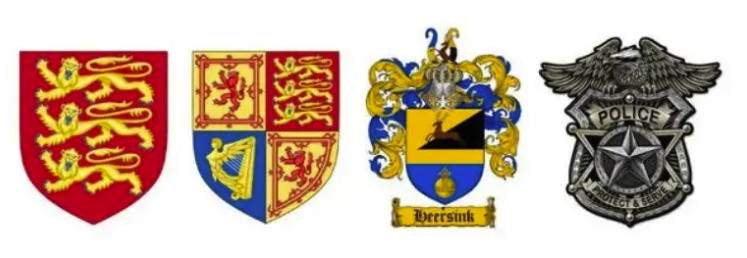
Applies to:
Highly detailed logos or crests
Designs with fine lines or dense elements that need simplification for clean engraving
👉 $35 Design Fee Purchase Link
Applies when:
No usable design is provided
A design must be created or rebuilt from scratch
Please message us first for a quote so we can review your request before proceeding.
Design setup typically takes 3–5 business days, depending on the complexity of the artwork.
Orders remain on hold until design work is approved and completed.
The design fee covers:
Fixing, cleaning, and converting your artwork to be laser-ready
Proper setup so your logo engraves cleanly on your selected product
Once your logo is set up, you may reuse the same logo with us on future orders or on other items with no additional design fee, as long as the design remains unchanged.
The design fee does not include delivery of an editable or downloadable file
If you would like to receive the file for use outside of our products, a $150 licensing fee applies
Design fees are charged per unique design, not per item
We review your file and confirm the fee before proceeding
A custom invoice is sent for approval or you can use the purchase links above to proceed
No design work begins without payment approval
Submit a laser-ready file:
High-quality JPG or PNG
At least 1000 × 1000 pixels
One solid, dark color
No gradients, shading, or multiple colors
Please review the Design Fee and Laser-Ready File sections before uploading.
If you ordered multiple different designs but selected the pricing tier based on your total quantity instead of each design's individual quantity, your order will be placed on hold until pricing is corrected.
Here's what happens next:
We will review your order and identify the correct pricing tier for each unique design
We will calculate the price difference based on what each design should have been charged
We will send you an invoice for the difference
Once the invoice is paid, your order will move forward into production
⚠️ Your order cannot move into production until the correct pricing is confirmed and any outstanding balance is paid.
To help us process this faster, please message us with:
How many different designs you ordered
The quantity for each design
Quick reminder on how pricing works:
Each unique design is priced based on its own quantity — not your total order quantity. Quantities from different designs do not combine.
Laser engraving works best with simple, black and white designs.
Engraving does not print color — it removes material — so designs must be clear and high contrast.
This is especially important for bulk and business orders, where consistency matters.
One solid color (black) on a white or transparent background
Black areas engrave
White or transparent areas do not engrave
Any color information is ignored and converted to black and white during engraving.
Bold logos with clear shapes
Minimal fine detail
Strong contrast
Simple logos engrave more cleanly and consistently, especially at smaller sizes.
Company names
Short phrases
Names, titles, or departments
Clean, easy-to-read fonts work best. Very thin or decorative fonts may lose detail when engraved.
Dark, solid elements
Clear separation between engraved and non-engraved areas
No subtle transitions
High contrast ensures a crisp, professional engraving result.
The following designs may require revision or a design fee before engraving:
Photos or portraits
Screenshots or web images
Multi-color artwork
Shading, gradients, or shadows
Extremely thin lines or very small text
Low-resolution or blurry files
Overly detailed crests or seals
These designs often don’t translate well to engraving without simplification.
For best results, submit:
Black and white artwork
One-color designs
High-resolution PNG or JPG files
Vector files (SVG, AI, EPS) when available
If you’re unsure whether your design will work, please refer to our DESIGN CONCERNS FAQ for a more detailed breakdown of:
What files are accepted
What designs may be declined or revised
When design fees apply
Both laser engraving and sandblasting permanently etch your design into the glass.
Every glass starts with laser engraving.
Sandblasting is not a replacement for laser engraving. It is a second, optional finishing stage that enhances the final result.
⚠️ Sandblasting is only applicable to glassware. It is not available for tumblers, bottles, or non-glass products.
Laser engraving is done first on every glass
This permanently marks your design onto the glass and creates the base engraving.
Sandblasting (if selected) is done after laser engraving
This second stage etches the design deeper into the glass, refining edges and improving clarity.
Because of this process:
All glasses are laser engraved
Sandblasting simply enhances depth, detail, and finish
Laser Engraving (Standard on all glassware)
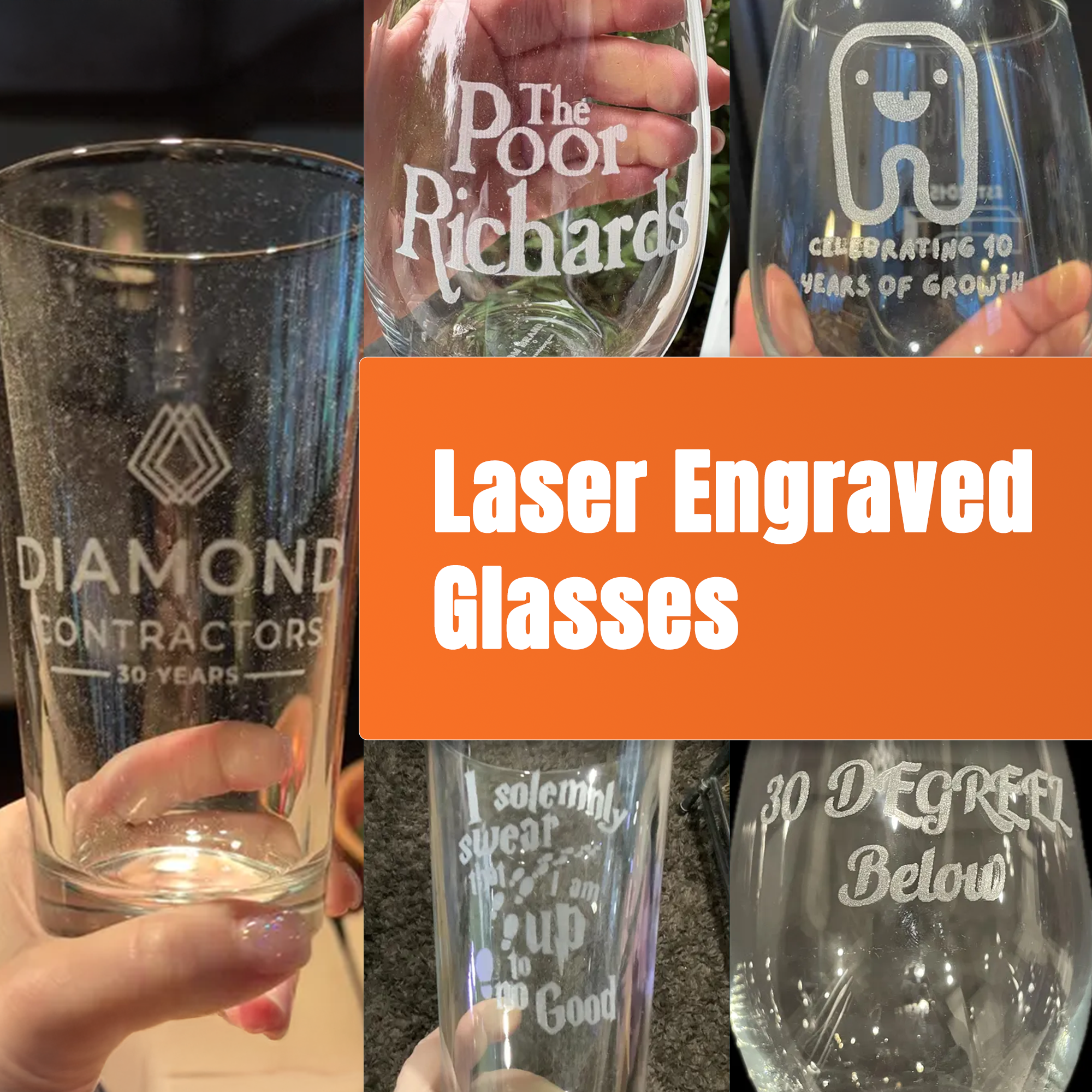
Laser engraving uses a high-powered laser to etch your design into the surface of the glass.
Frosted white appearance
Clean and professional finish
Slightly lighter etch
Bold logos
Simple text
High-contrast designs
Most bulk and corporate logo orders
Laser engraving is included with every glass at no extra cost and works great for the majority of business branding needs.
Sandblasting (Premium etching upgrade)
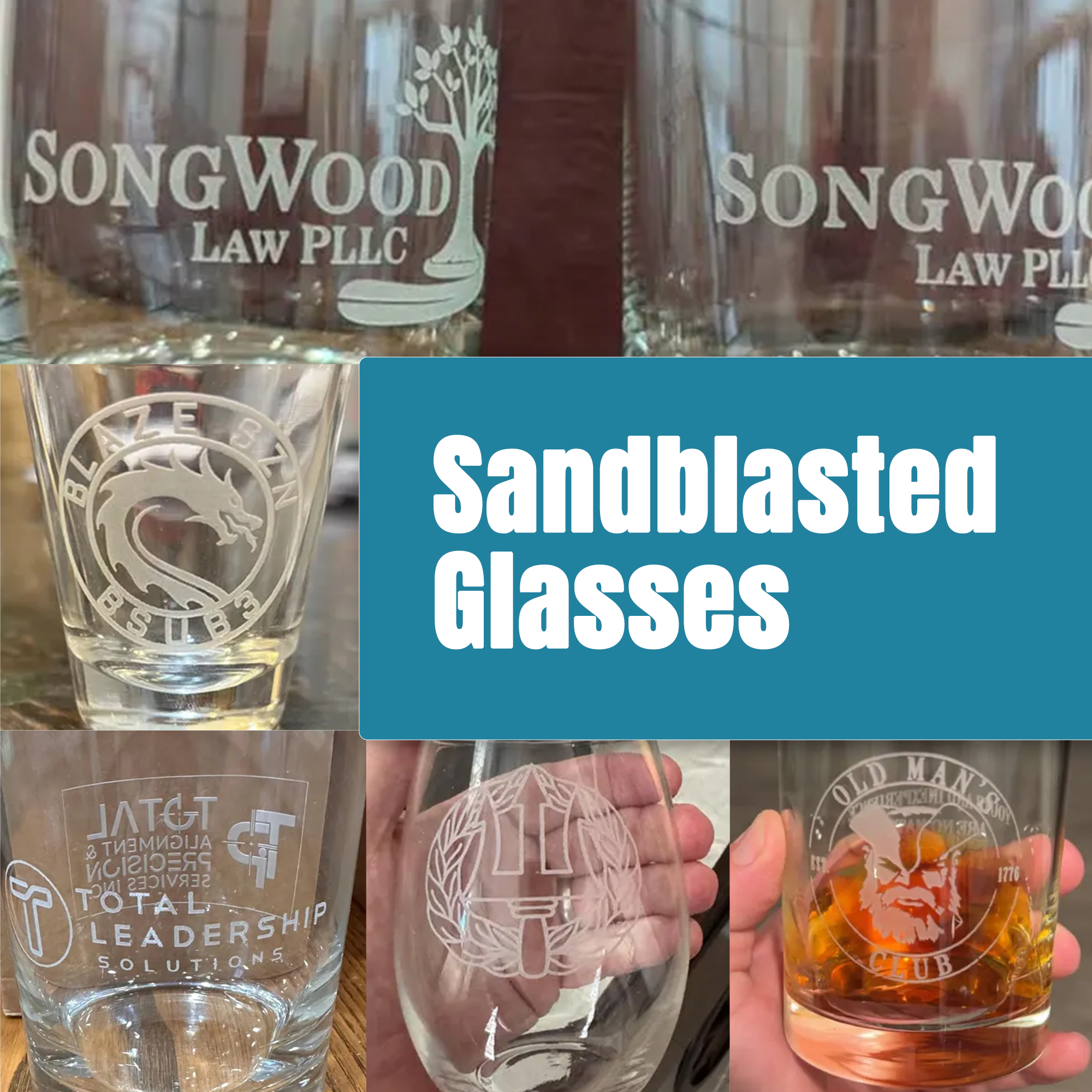
Sandblasting is a second, more advanced step performed after laser engraving. It uses a high-pressure abrasive to carve the design deeper into the glass.
Deeper etch for a more substantial feel
Smoother edges and cleaner lines
Sharper detail, especially on small text and fine elements
More refined, high-end appearance
Better clarity on intricate or complex logos
Logos with small or detailed elements
Fine line work
Intricate text or emblems
Executive gifts, awards, and premium corporate presentations
Sandblasting is often chosen when presentation matters and you want your logo to stand out with a more polished, upscale finish.
Choose laser engraving if:
Your logo is bold and simple
You’re ordering in bulk
You want a clean, professional standard finish
Choose sandblasting if:
Your design has small text or intricate details
You want a deeper, more refined engraving
You’re ordering premium or executive-level corporate gifts
Short answer: No. Laser engraving does not add color.
The final look depends entirely on the material being engraved, not the design file colors.
Below is a breakdown by product type so you know exactly what to expect.
(Beer glasses, wine glasses, whiskey glasses, shot glasses)
Laser engraving on glass etches the surface and creates a frosted white / etched look.
What you’ll see:
Frosted white appearance
Permanent, etched texture
High contrast against clear glass
⚠️ Color is not possible on glass engraving.
Even if your logo is colored, the engraved result will always appear frosted white.
(Powder-coated tumblers, mugs, bottles, travel cups)
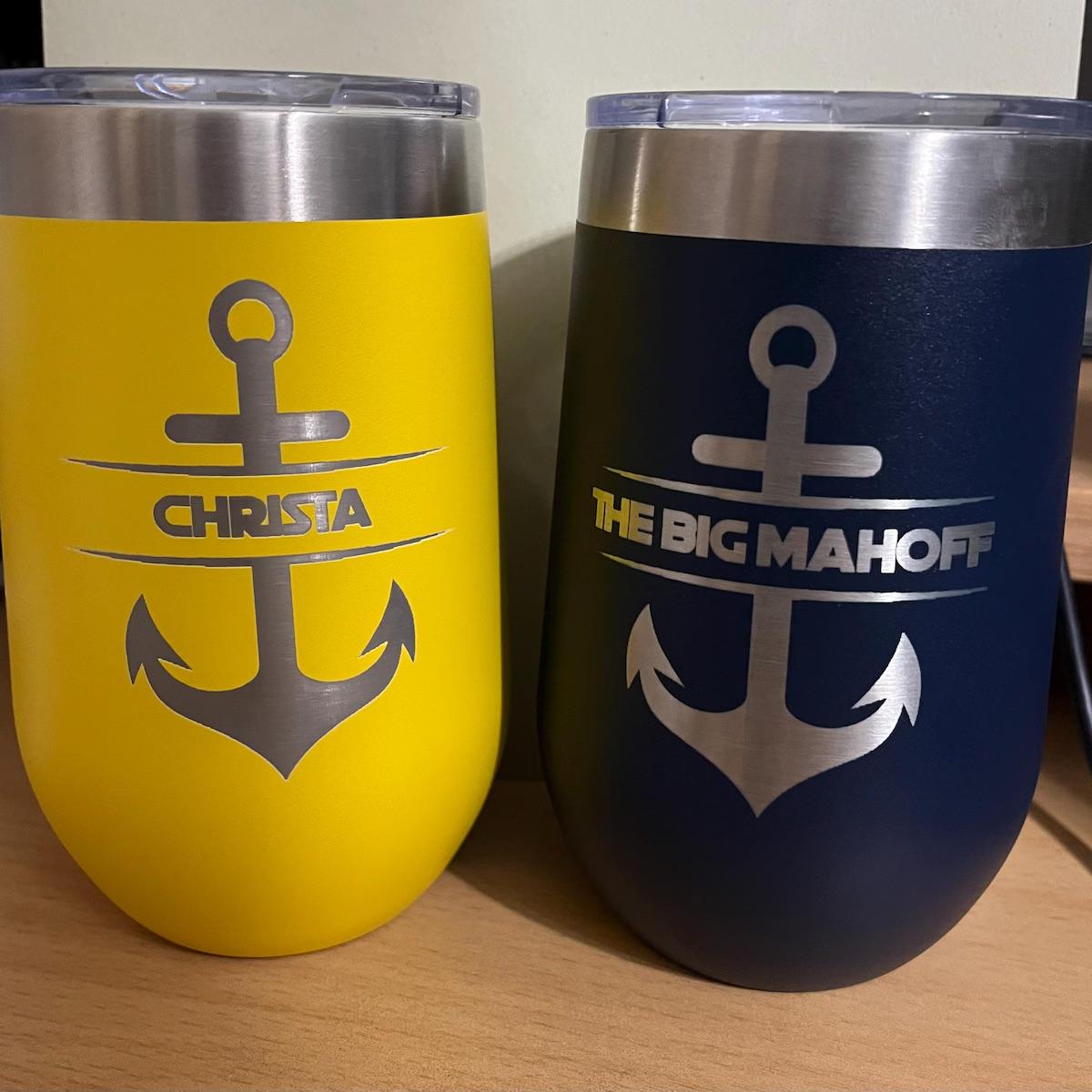
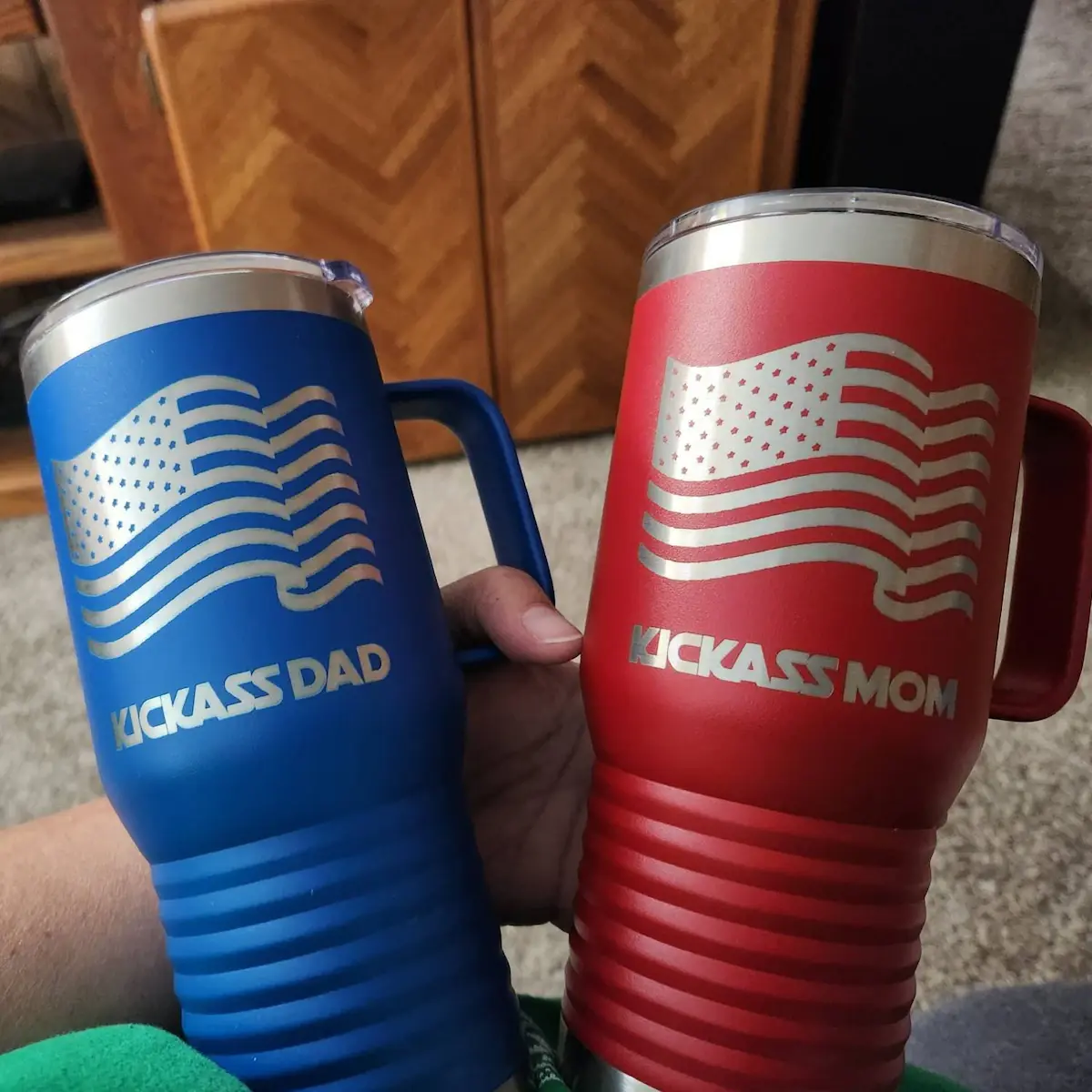
For stainless steel tumblers, the laser removes the powder-coated color layer, exposing the raw stainless steel underneath.
What you’ll see:
Metallic silver / stainless steel finish
Clean, sharp contrast
⚠️ The engraved design will not match your logo color.
The result is always the natural stainless steel color beneath the coating.
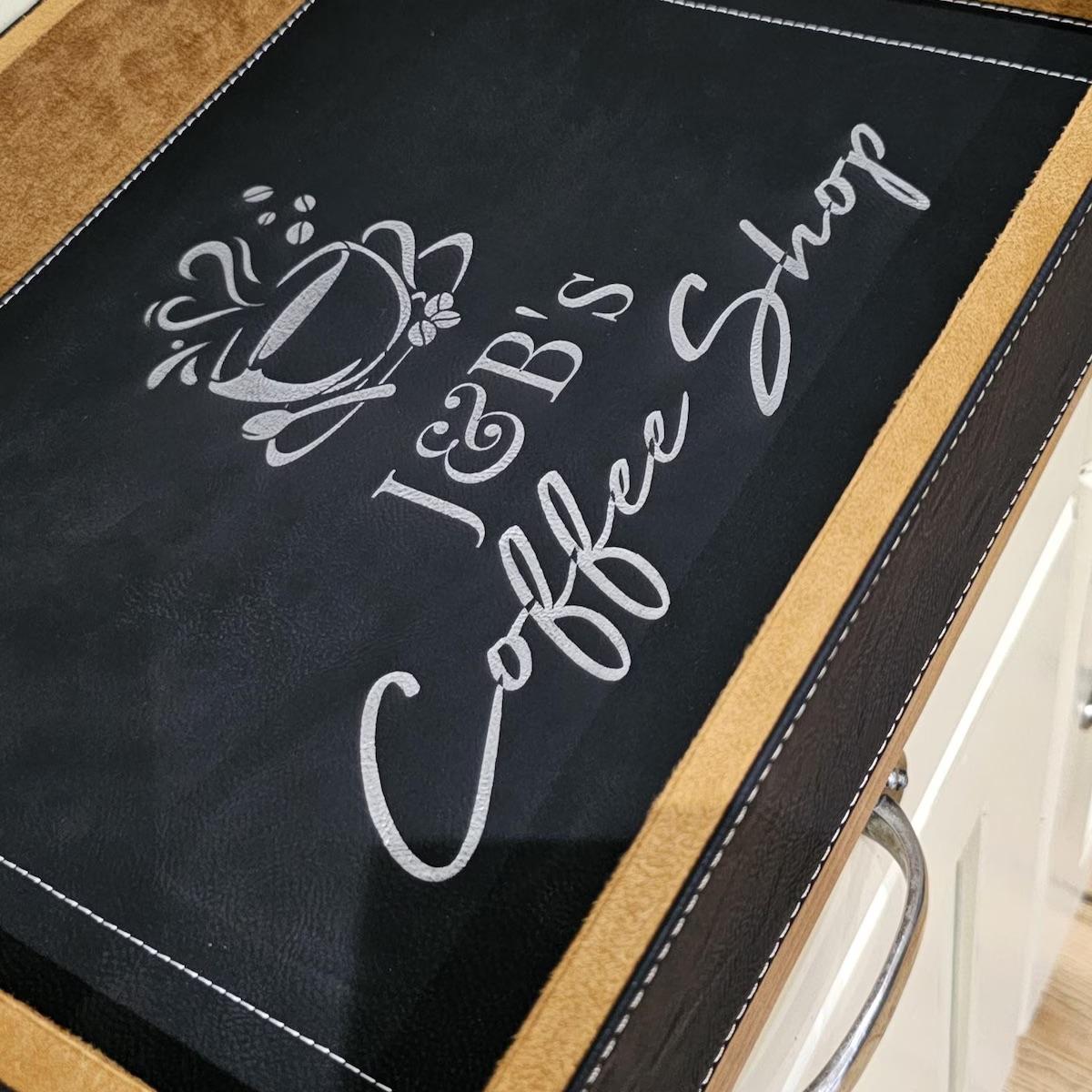
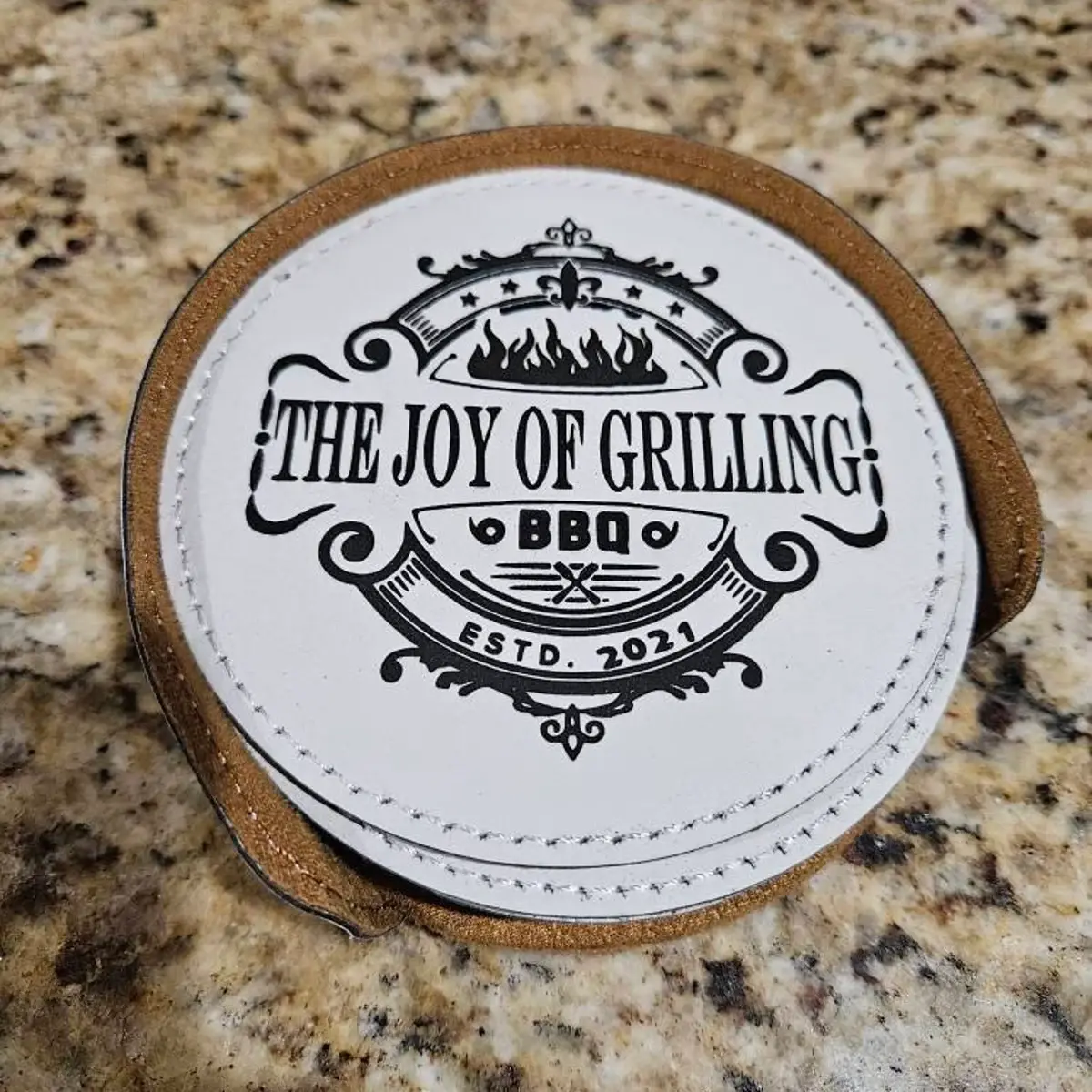
(leatherette patches, leatherette coasters, leatherette tumblers)
Leatherette engraving results vary by color and material type.
Common results include:
Black (most common)
Silver
Gold
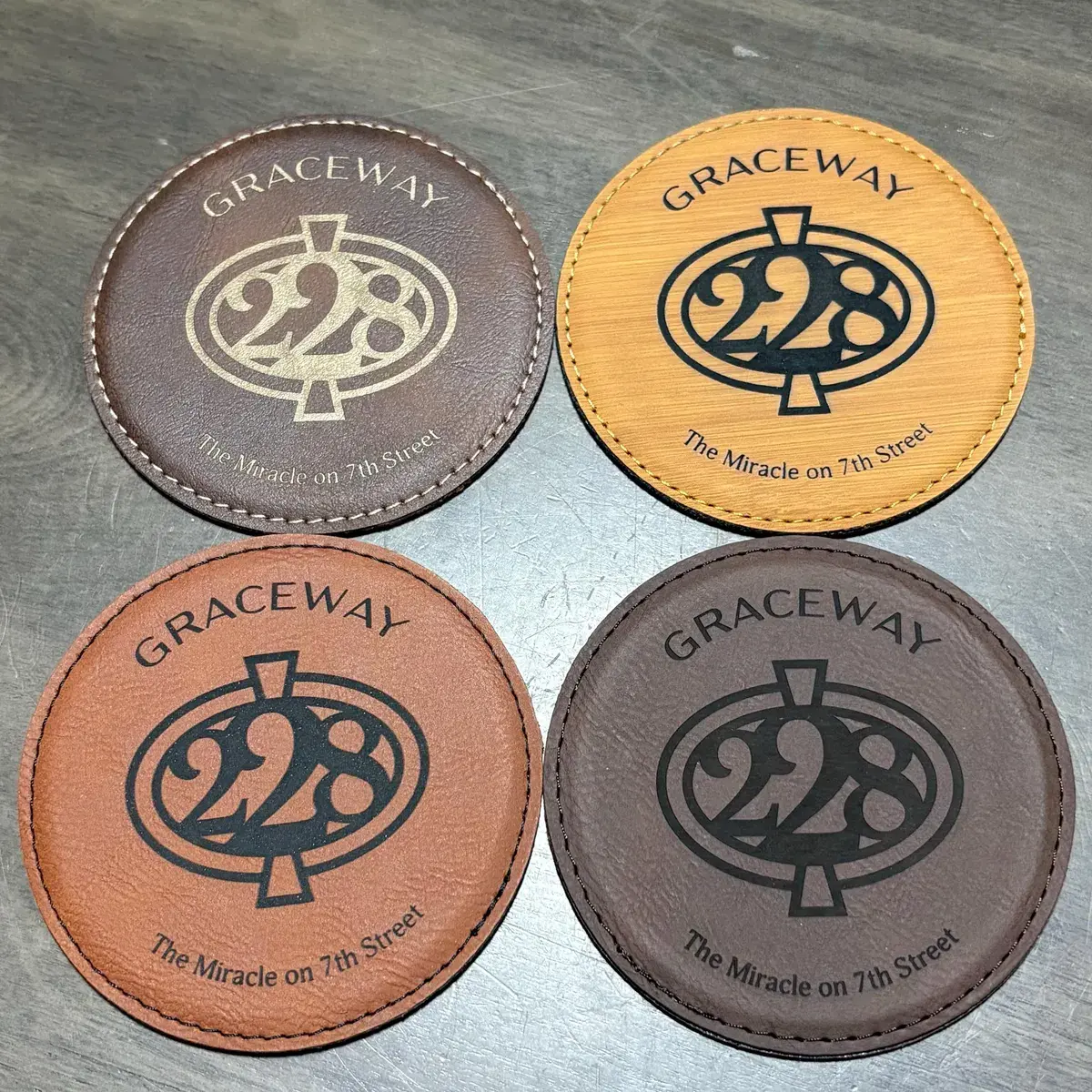
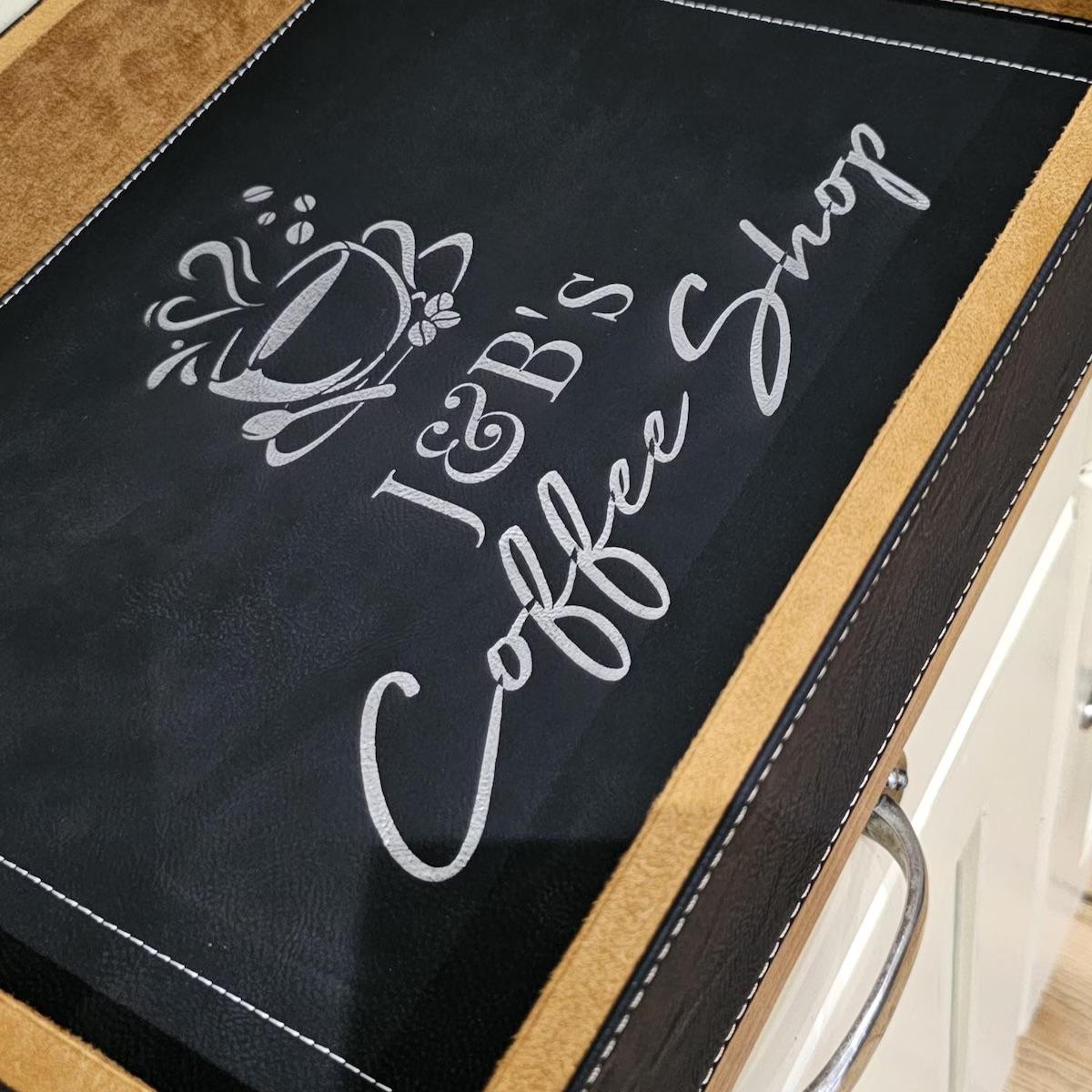
Because leatherette is a layered material, the laser reveals the inner layer, which determines the final color.
⚠️ You can check the product listing photos to see the exact engraved color for each leatherette option.
The listing images accurately show how that specific color engraves.
Even if your design file includes:
Full color
Gradients
Shading
Multiple colors
➡️ All color information is ignored during engraving.
Laser engraving reads your design as:
Engraved (black areas)
Not engraved (white or transparent areas)
Your design will be converted to black and white to ensure clean, accurate engraving.
Laser engraving does not use ink or print color
Color matching is not possible
The final engraved look depends on the material
All engravings are permanent and will not fade, peel, or wear off
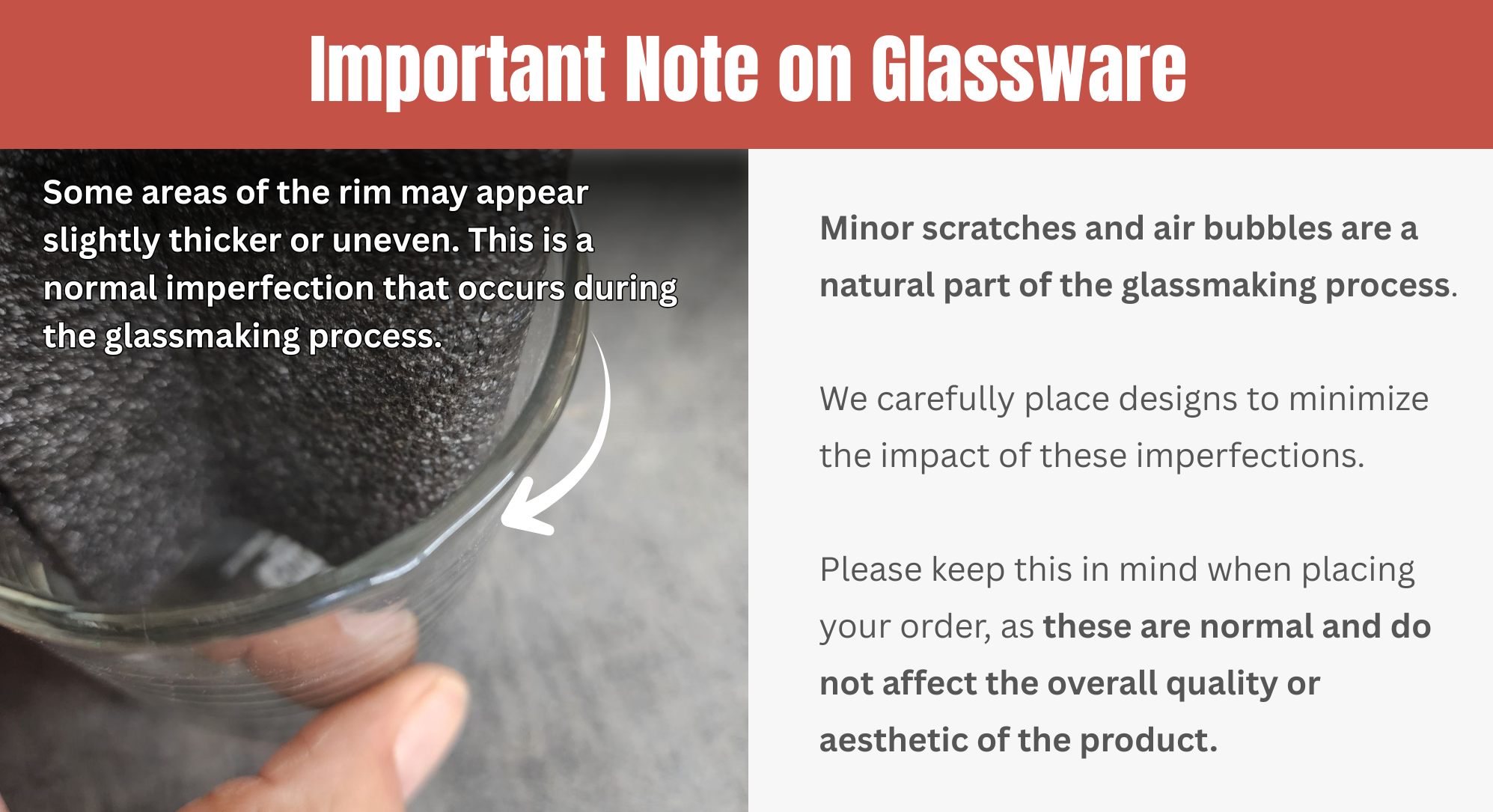
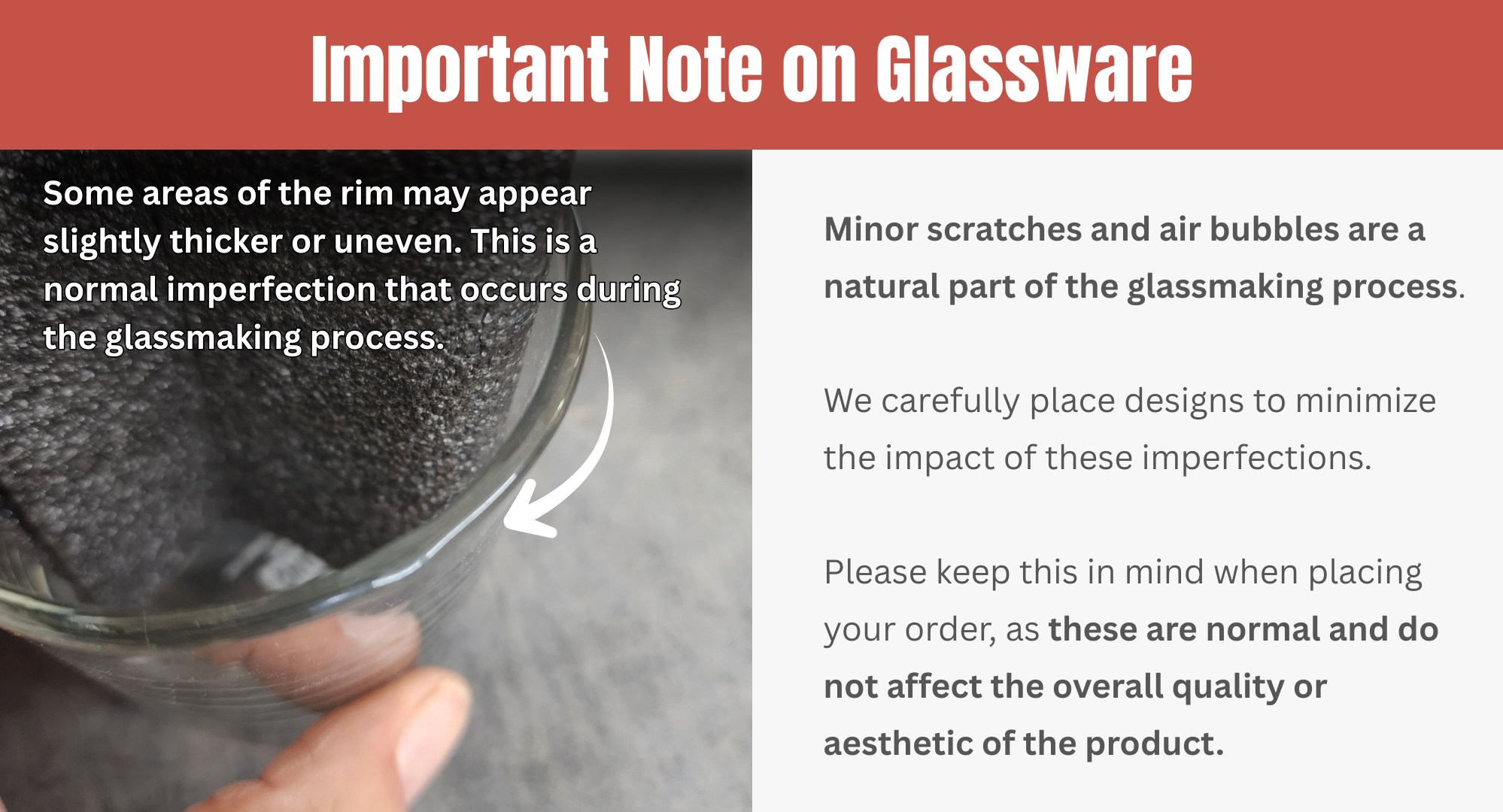
Minor imperfections are normal and expected in glassware.
Glassware is made through a high-heat molding process, and small variations naturally occur during manufacturing. These are not defects and do not affect the quality, durability, or usability of the glass.
You may notice one or more of the following:
Small air bubbles, including tiny bubbles near or along the rim
Light surface marks or faint scratches
Slight thickness variation around the rim
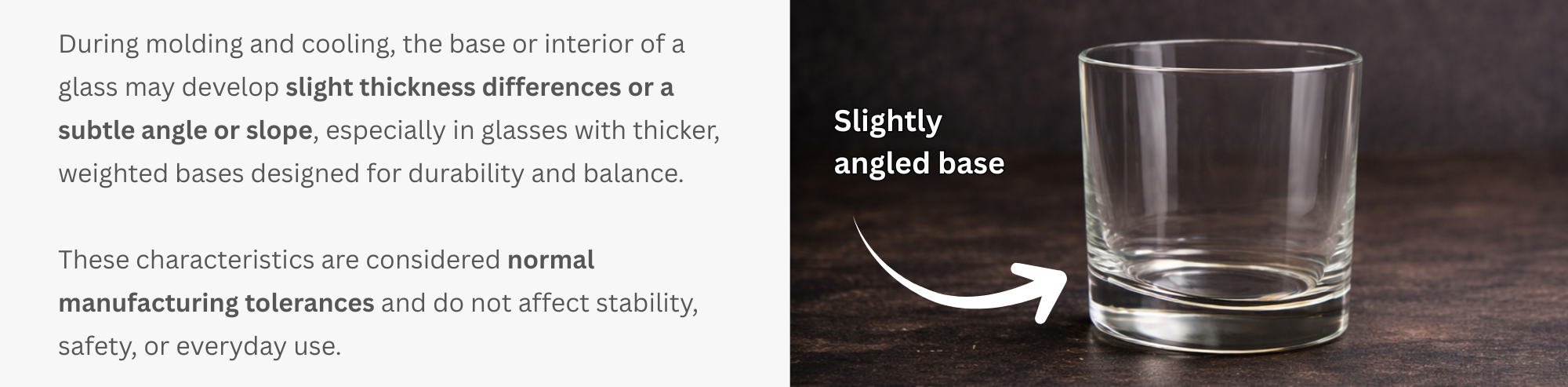
Minor unevenness in the glass surface
These are natural characteristics of real glass, not defects.
During the glassmaking process, molten glass is shaped, cooled, and finished. Because this process involves extreme heat and manual or semi-automated forming, slight variations can occur, including:
Minor air bubbles within the glass
Small surface marks or light scratches
Slight thickness variation around the rim
Subtle unevenness in the glass surface
These characteristics are common across commercial and premium glassware brands and are considered part of the natural glassmaking process.
No.
Engraving is permanent and unaffected by these variations
We carefully place designs to avoid visible imperfections whenever possible
Minor imperfections do not reduce engraving clarity or durability
Your logo or design will still engrave cleanly and professionally.
No.
Minor imperfections such as small bubbles or light surface marks are not considered defects and are not grounds for replacement.
Only true defects, such as:
Cracked glass
Chipped rims
Structural damage
would qualify for replacement or resolution.
In most cases:
Imperfections are barely noticeable
They do not affect the look or feel of the glass
They do not impact performance or longevity
Once engraved and in use, these natural variations typically blend into the overall appearance.
Minor imperfections are normal in glassware
They occur naturally during the glassmaking process
They do not affect engraving quality or usability
Designs are placed carefully to minimize visibility
Only cracks or chips are considered defects
If you have concerns about your order or notice damage beyond normal imperfections, please contact us and we’ll be happy to help.
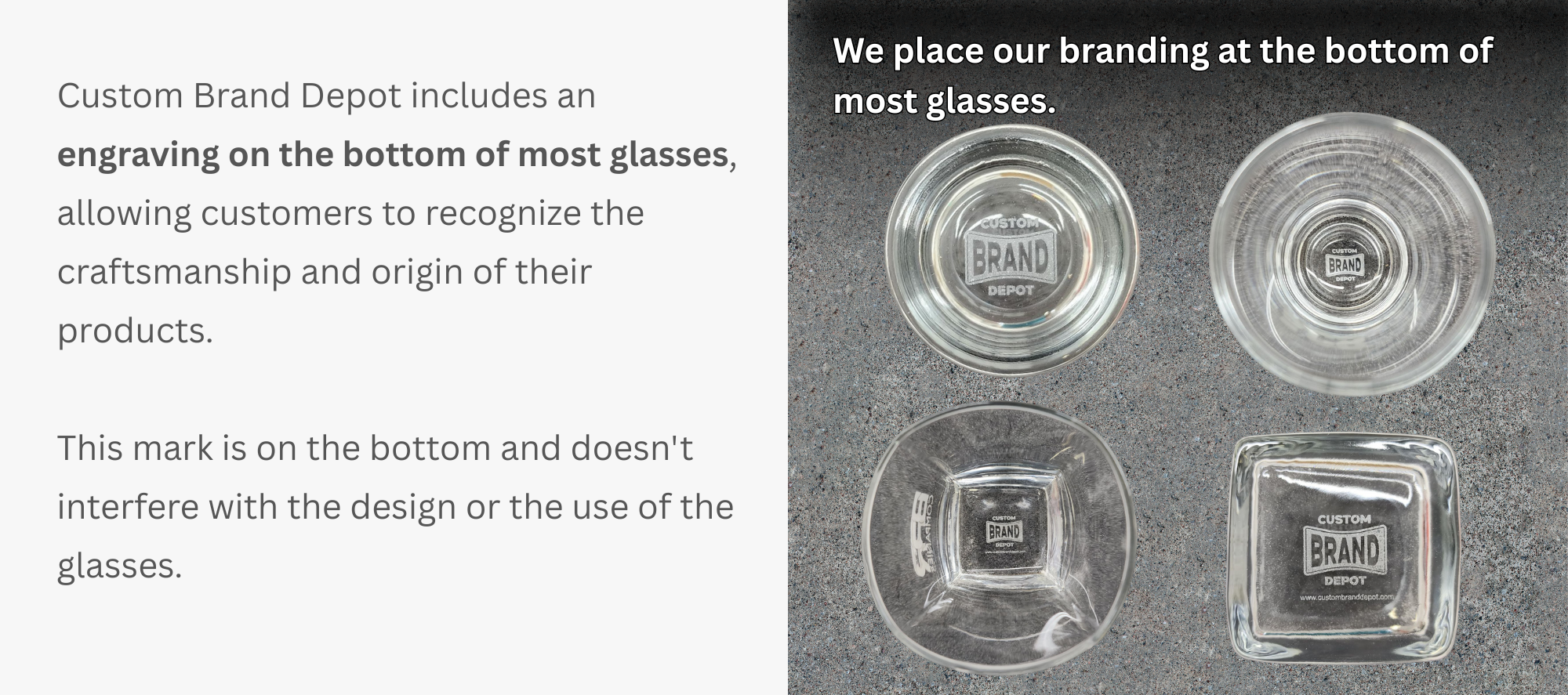
We include a small engraving on the bottom of most glassware to identify the craftsmanship and origin of the product.
This bottom mark:
Helps distinguish authentic Custom Brand Depot glassware
Reflects the quality and source of the glass
Is placed only on the bottom, so it does not interfere with your logo, engraving area, or use of the glass
The bottom logo is intentionally subtle and is not visible during normal use or display.
At this time, we do not remove or omit the bottom branding. All glassware is produced with this mark as part of our standard process.
Please note:
The bottom logo does not affect functionality
It does not impact your custom design
It does not change the overall appearance of the glass when in use
By placing an order, you acknowledge and accept the presence of this standard bottom engraving.
A laser-ready file is artwork that can be engraved exactly as submitted, with no edits, cleanup, or redesign required.
If your file is laser-ready, it can move directly into production as long as the design isn’t trademarked. Please refer to the guide below to determine if your design is laser-ready or not.
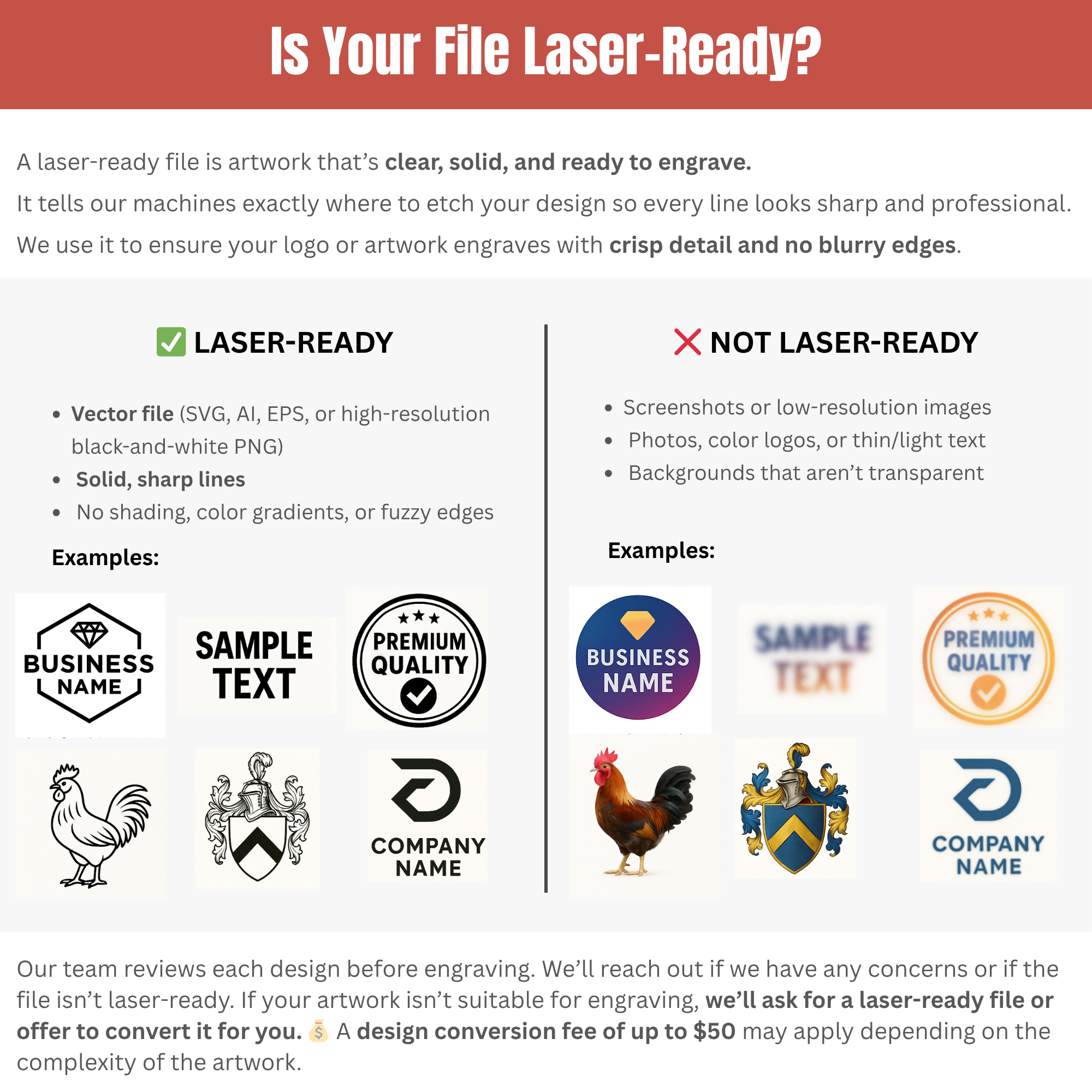
⚠️ Important: How engraving reads your design
Engraving is processed in black and white only.
All black or very dark areas of your design will be engraved
White or transparent areas will not engrave
Light colors may not engrave or may engrave inconsistently
Color information is converted to black and white during engraving
Here's an example of a laser-ready file using our laser software:
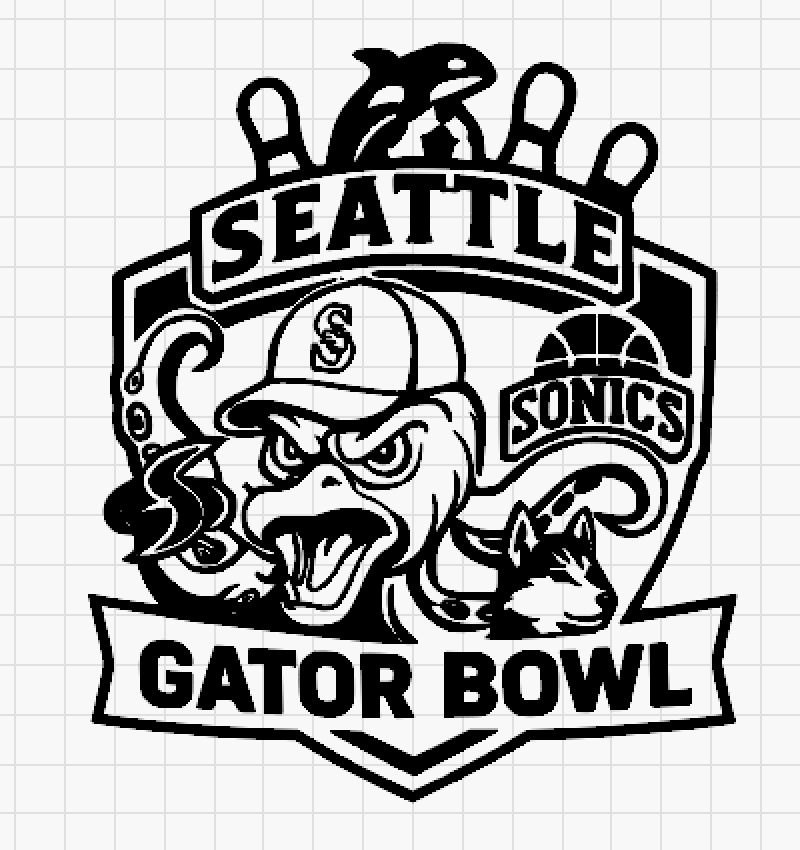
To be clear, we can accept colored artwork, but designs must be one solid color only like the ones below:

After conversion to a laser-ready format, the logos above will appear like the examples shown below:
For best engraving results:
The design must use one dark, solid color
Light colors will not engrave reliably
Gradients, shading, and multiple colors are not supported
If your design includes color, it will be converted to black and white before engraving. Only the dark areas of the design will be engraved.
Best practice (strongly recommended)
Submit your design as:
A black-and-white JPG or PNG file, or
A high-contrast, dark-colored version of your logo
This reduces delays and avoids unexpected engraving results.
What to do if your file is trademarked or isn't laser-ready:
Trademarked Artwork:
If your design contains a trademarked or copyrighted logo, name, or image, you must:
Provide written permission or proof of authorization, or
Submit a different design
Orders containing trademarked artwork cannot move forward without authorization.
Not laser-ready artwork:
If your file isn’t suitable for engraving, we’ll contact you to:
Request a revised file, or
Offer to convert the design for you (a design conversion fee may apply)
Design conversion fees may apply up to $50, depending on artwork complexity.
Orders remain on hold until an acceptable file is received or conversion is approved.
We handle file submissions, previews, and proofs differently depending on the listing, so it’s important to review the Personalization section of the product page before ordering.
📌 Listings with a personalization link
Some listings include a personalization link where you can upload your design after placing your order. You will receive this link via email. These listings use a live preview tool that allows you to see your design on the product.
Example of a design that was uploaded to a personalization link
What you will see in the preview:
Your uploaded design placed on the product
The general position of the engraving
An approximate engraving size
This preview serves as your final proof. Once the design is submitted through the personalization link, we proceed using the design shown.
If your listing includes a personalization preview link, you will see instructions like this in Etsy’s personalization section:
📌 Listings that require file submission through our form
Some listings do not include a personalization preview link. For these listings, you will be instructed to submit your logo or artwork through our design form after placing your order.
These listings do not include a live preview.
What happens after you submit your file:
We review the file you provided
We convert it into a laser-ready format if needed
We send you the laser-ready file for confirmation
We include the engraving size and placement details
This confirmation step ensures your design is prepared correctly before engraving begins.
We do not create visual mockups or product renderings for form-based submissions. Our focus is on preparing accurate, laser-ready files to ensure clean engraving and timely production.
If you would like a visual mockup for a form-based order, it can be requested for a $35 design fee. Please note that requesting a mockup may extend turnaround time.
If your listing includes a personalization preview link, you will see instructions like this in Etsy’s personalization section:
⚠️ Important Reminder
Always review the Personalization section on the listing to confirm:
Where your design should be submitted
Whether a live preview is included
Orders may be delayed if the design is submitted incorrectly.
We accept high-quality JPG or PNG files that meet the requirements below.
JPG (.jpg / .jpeg)
PNG (.png)
At least 1000 × 1000 pixels
High resolution and sharp
Not blurry, pixelated, or stretched
Low-resolution files may engrave poorly and can delay production.
We also need the design to be laser-ready.
We can engrave most:
Company logos
Brand marks
Text-only designs
Simple graphics
If your file is laser-ready, it can move directly into production as long as the design isn’t trademarked. Please refer to the guide below to determine if your design is laser-ready or not.
⚠️ Important: How engraving reads your design
Laser engraving does not read color the same way a screen or printer does.
Engraving is processed in black and white only.
All black or very dark areas of your design will be engraved
White or transparent areas will NOT engrave
Light colors may not engrave or may engrave inconsistently
All color information is converted to black and white during engraving
Here's an example of a laser-ready file using our laser software:
To be clear, we can accept colored artwork, but designs must be one solid color only like the ones below:
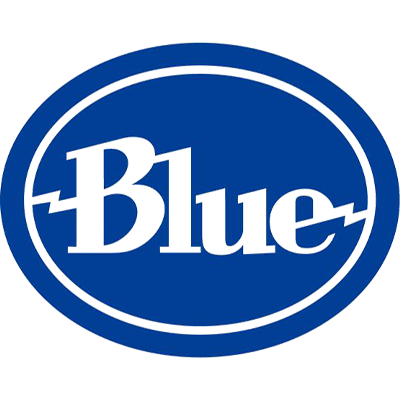
After conversion to a laser-ready format, the logos above will appear like the examples shown below:

For best engraving results:
The design must use one dark, solid color
Light colors will not engrave reliably
Gradients, shading, and multiple colors are not supported
If your design includes color, it will be converted to black and white before engraving. Only the dark areas of the design will be engraved.
Best practice (strongly recommended)
Submit your design as:
A black-and-white JPG or PNG file, or
A high-contrast, dark-colored version of your logo
This reduces delays and avoids unexpected engraving results.
What to do if your file is trademarked or isn't laser-ready:
Trademarked Artwork:
If your design contains a trademarked or copyrighted logo, name, or image, you must:
Provide written permission or proof of authorization, or
Submit a different design
Orders containing trademarked artwork cannot move forward without authorization.
Not laser-ready artwork:
If your file isn’t suitable for engraving, we’ll contact you to:
Request a revised file, or
Offer to convert the design for you (a design conversion fee may apply)
Design conversion fees may apply up to $50, depending on artwork complexity.
Orders remain on hold until an acceptable file is received or conversion is approved.
Designs may be declined, adjusted, placed on hold, or require a design fee if they include any of the following:
Trademarked or copyrighted logos, artwork, or brand names without written permission or proof of authorization
Photos, pictures, or portraits of people or animals
Photos of finished items or products (including glasses with logos already applied, apparel, bottles, labels, signs, or printed materials) are not accepted as design files.
Screenshots, web images, or copied images
Design with extremely fine or thin lines
Small text or intricate details that won’t remain legible after engraving
Overly detailed crests, seals, or illustrations
Shading, gradients, shadows, or multi-color elements
Low-resolution, blurry, or pixelated images
How to Fix Your Design (If It Falls Into Any of the Categories Above)
If your design matches any of the issues listed above, your order will be put on hold until the artwork is corrected.
To move your order into production, please do one of the following:
Option 1: Submit a corrected, engraving-ready file
You may upload a revised design that meets our requirements:
One color only (black or a single dark color)
Bold, solid lines
No gradients, shadows, or fine details
Preferred file types:
High-resolution black-and-white JPG or PNG
At least 1000 px x 1000 px
Option 2: Approve a design conversion (design fee may apply)
If you do not have a laser-ready file, we can:
Convert your artwork to one color
Simplify details for engraving
Vectorize or clean up low-quality files
Design conversion fees may apply (up to $50) depending on complexity.
Important Clarifications
A photo of a finished item (for example, a glass with a logo already engraved) is not a design file
We require the original, raw artwork, not a photo or screenshot
Designs that cannot be corrected or legally authorized will not be engraved
Orders will remain on hold until:
A corrected file is submitted, or
A design fee is approved
Bottom line
If your design appears in the list above, it does not mean we can’t help. It simply means the artwork needs to be fixed, simplified, edited, or recreated before engraving.
📌 Option 1: Revise Your File (No Additional Cost)
Your revised file must be:
High-quality JPG or PNG
At least 1000 × 1000 pixels
One solid, dark color
No gradients, shading, or multiple colors
Once a laser-ready file is received and approved, your order will move directly into production.
If you’re unable to revise the file yourself, we can rework and convert your design to be laser-ready.
Please note:
A design conversion fee of up to $50 may apply
The exact fee depends on the complexity of the artwork
This fee covers manual cleanup, conversion, and engraving preparation
Your order will remain on hold until the design fee is approved and paid.
Please review the Design Fee section to see how much applies to your specific design before choosing this option.
Orders cannot move into production without a laser-ready file
Files that are trademarked require written permission or must be changed
Screenshots, photos, web images, and low-resolution files are not accepted
Before choosing either option, please re-read:
What Is a Laser-Ready File
Designs That Will Not Work
Design Fee Information
This helps avoid delays, additional fees, and unexpected engraving results.
Yes, we can help create or modify a design, but please note that design services are not included with your order.
A design fee applies if you need help with any of the following:
Creating a logo or design from scratch
Redrawing, tracing, or recreating artwork
Cleaning up low-quality or blurry files
Converting a non–laser-ready file into a laser-ready format
Adjusting spacing, alignment, or layout beyond basic sizing
Combining or modifying elements from multiple files
Design work requires manual setup to ensure clean, professional engraving results.
Design fees are up to $50, depending on the complexity of the request
The exact fee will be confirmed before any work begins
Your order will be placed on hold until the design fee is approved and paid
Please review the Design Fee section to see pricing examples and details.
No design fee is required when:
You submit a laser-ready file
Only basic resizing or placement is needed to fit the engraving area
No redesign, cleanup, or artwork creation is required
If you’d like us to create or modify a design:
Place your order
Send us your file or describe what you need
We’ll review your request and confirm whether a design fee applies
If needed, we’ll send an invoice before proceeding
We do not recreate trademarked or copyrighted designs without written permission
Screenshots, photos, and web images cannot be used as final artwork
Orders cannot move into production until design work is approved and completed
Design fees depend on what needs to be done to make your artwork laser-ready. Below is a breakdown of the most common situations and their corresponding fees.
All design fees are confirmed before work begins.
Here's an example of a design where design fee was applied to make it laser-ready:
Applies to minor adjustments only, such as:
Inverting part of a design
Simple layout tweaks
Minor spacing or alignment changes
👉 $15 Design Fee Purchase Link
Applies when your file requires cleanup to engrave properly, including:
Colored designs (more than one color)
Original file
Edited file
Shading, shadowing, or gradients
Low-resolution, blurry, or pixelated files
Artwork is simplified and converted to a solid black design for engraving.
👉 $35 Design Fee Purchase Link
Applies to:
Highly detailed logos or crests
Designs with fine lines or dense elements that need simplification for clean engraving
👉 $35 Design Fee Purchase Link
Applies when:
No usable design is provided
A design must be created or rebuilt from scratch
Please message us first for a quote so we can review your request before proceeding.
Design setup typically takes 3–5 business days, depending on the complexity of the artwork.
Orders remain on hold until design work is approved and completed.
The design fee covers:
Fixing, cleaning, and converting your artwork to be laser-ready
Proper setup so your logo engraves cleanly on your selected product
Once your logo is set up, you may reuse the same logo with us on future orders or on other items with no additional design fee, as long as the design remains unchanged.
The design fee does not include delivery of an editable or downloadable file
If you would like to receive the file for use outside of our products, a $150 licensing fee applies
Design fees are charged per unique design, not per item
We review your file and confirm the fee before proceeding
A custom invoice is sent for approval or you can use the purchase links above to proceed
No design work begins without payment approval
Submit a laser-ready file:
High-quality JPG or PNG
At least 1000 × 1000 pixels
One solid, dark color
No gradients, shading, or multiple colors
Please review the Design Fee and Laser-Ready File sections before uploading.
Short answer: No. Laser engraving does not add color.
The final look depends entirely on the material being engraved, not the design file colors.
Below is a breakdown by product type so you know exactly what to expect.
(Beer glasses, wine glasses, whiskey glasses, shot glasses)
Laser engraving on glass etches the surface and creates a frosted white / etched look.
What you’ll see:
Frosted white appearance
Permanent, etched texture
High contrast against clear glass
⚠️ Color is not possible on glass engraving.
Even if your logo is colored, the engraved result will always appear frosted white.
(Powder-coated tumblers, mugs, bottles, travel cups)
For stainless steel tumblers, the laser removes the powder-coated color layer, exposing the raw stainless steel underneath.
What you’ll see:
Metallic silver / stainless steel finish
Clean, sharp contrast
⚠️ The engraved design will not match your logo color.
The result is always the natural stainless steel color beneath the coating.
(leatherette patches, leatherette coasters, leatherette tumblers)
Leatherette engraving results vary by color and material type.
Common results include:
Black (most common)
Silver
Gold
Because leatherette is a layered material, the laser reveals the inner layer, which determines the final color.
⚠️ You can check the product listing photos to see the exact engraved color for each leatherette option.
The listing images accurately show how that specific color engraves.
Even if your design file includes:
Full color
Gradients
Shading
Multiple colors
➡️ All color information is ignored during engraving.
Laser engraving reads your design as:
Engraved (black areas)
Not engraved (white or transparent areas)
Your design will be converted to black and white to ensure clean, accurate engraving.
Laser engraving does not use ink or print color
Color matching is not possible
The final engraved look depends on the material
All engravings are permanent and will not fade, peel, or wear off
In general, we cannot engrave trademarked or copyrighted logos.
The only exception is if you own the logo or created it yourself.
If you do not own the rights to the logo, written permission or authorization is required.
We can proceed only if:
You own the business or brand the logo belongs to, or
You created the logo yourself
This applies to most business owners ordering their own company logos for corporate, employee, or promotional use.
We cannot engrave trademarked or copyrighted designs if:
The logo belongs to another company or brand
It is a school, college, or university logo
It is a sports team or league logo
It is a government, military, or organizational insignia
You found the logo online and do not own the rights
If a trademarked logo is submitted and ownership cannot be confirmed:
Your order will be placed on hold
We’ll request proof of ownership or written authorization
Production will not begin until the issue is resolved
If permission cannot be provided, you’ll need to:
Submit a different, non-trademarked design, or
Use a text-only or original design instead
Purchasing a design fee does not override trademark restrictions
We cannot modify trademarked logos to bypass ownership rules
Stock image licenses do not grant trademark usage rights
These rules protect both you and us from legal issues.
Trademarked logos are not accepted by default
We can engrave them only if you own the logo or if you have the permission to use it
Proof may be requested before production
Orders are held if ownership can’t be confirmed
If your logo is trademarked or copyrighted, do not submit it without first confirming your rights to use it. Trademark rules apply to all orders, including personal, bulk, and corporate orders.
Follow the steps below to know how to proceed.
You may proceed without additional permission if:
You own the business or brand the logo belongs to, or
You created the logo yourself
In these cases, you can submit your logo as normal.
Permission is required if the logo belongs to:
Another company or brand
A school, college, or university
A sports team or league
A government, military, or organizational insignia
Any brand, mascot, or slogan you do not own
If you didn’t create the logo and don’t own the brand, it’s likely trademarked.
If permission is required, you must provide written authorization or proof of license from the trademark owner before production can begin.
This may include:
A licensing agreement
Written permission from the brand owner
Documentation showing authorized use
If ownership or authorization cannot be confirmed:
Your order will be placed on hold
We’ll ask you to submit a different design
Production will not begin until the issue is resolved
You may choose to:
Replace the logo with a non-trademarked design
Use a text-only or original design instead
Purchasing a design fee does not override trademark restrictions
We cannot recreate, modify, or adjust trademarked logos to bypass ownership rules
Stock image licenses do not grant trademark usage rights
These policies protect both you and us from legal issues.
Confirm whether you own or created the logo
Provide authorization if the logo is not yours
Orders remain on hold until rights are confirmed
We cannot engrave trademarked logos without approval
Yes. In most cases, we send a preview or proof before your order goes into production.
Once you receive your preview:
Please review it carefully
Request any changes as soon as possible
If we don’t hear back within a reasonable timeframe, we’ll proceed with production using the preview provided to avoid delaying your order.
We also handle previews and proofs differently depending on the listing.
📌 Listings with a personalization link
Some listings include a personalization link where you can upload your design after placing your order. You will receive this link via email. These listings use a live preview tool that allows you to see your design on the product.
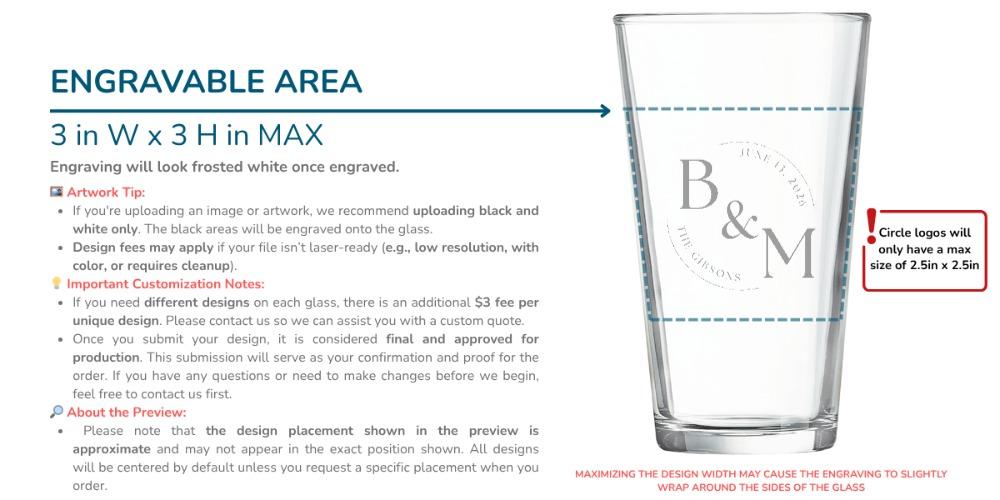
Example of a design that was uploaded to a personalization link
What you will see in the preview:
Your uploaded design placed on the product
The general position of the engraving
An approximate engraving size
This preview serves as your final proof. Once the design is submitted through the personalization link, we proceed using the design shown.
If your listing includes a personalization preview link, you will see instructions like this in Etsy’s personalization section:
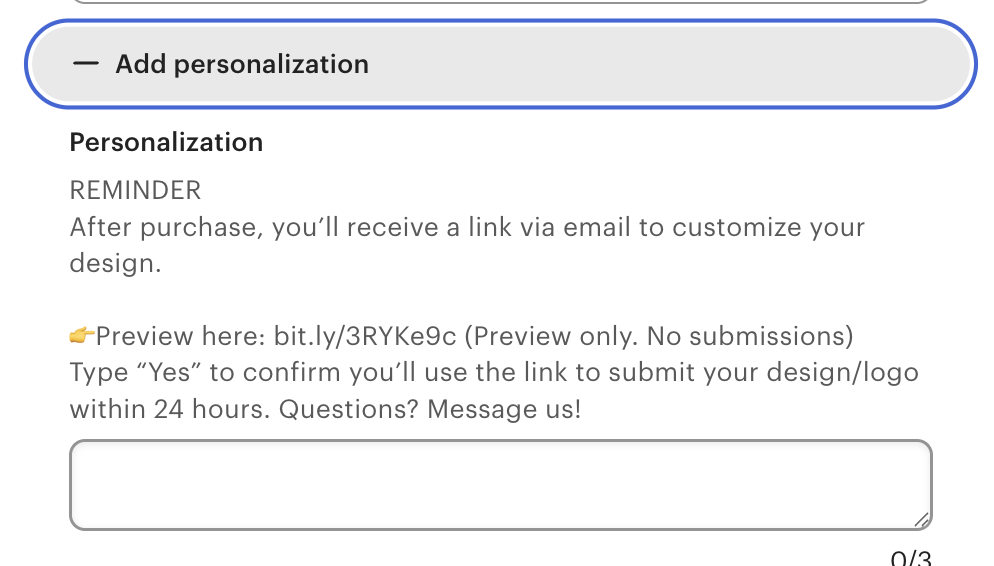
📌 Listings that require file submission through our form
Some listings do not include a personalization preview link. For these listings, you will be instructed to submit your logo or artwork through our design form after placing your order.
These listings do not include a live preview.
What happens after you submit your file:
We review the file you provided
We convert it into a laser-ready format if needed
We send you the laser-ready file for confirmation
We include the engraving size and placement details
This confirmation step ensures your design is prepared correctly before engraving begins.
We do not create visual mockups or product renderings for form-based submissions. Our focus is on preparing accurate, laser-ready files to ensure clean engraving and timely production.
If you would like a visual mockup for a form-based order, it can be requested for a $35 design fee. Please note that requesting a mockup may extend turnaround time.
If your listing includes a personalization preview link, you will see instructions like this in Etsy’s personalization section:
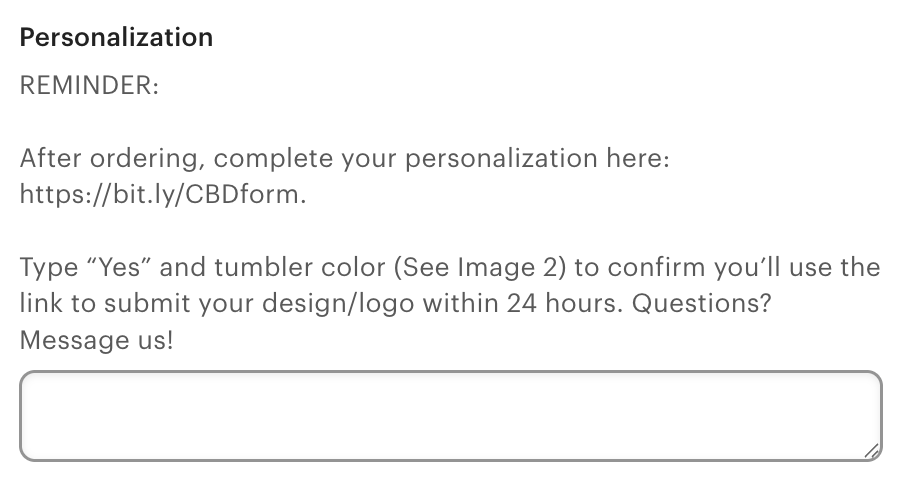
⚠️ Important Reminder
Always review the Personalization section on the listing to confirm:
Where your design should be submitted
Whether a live preview is included
Orders may be delayed if the design is submitted incorrectly.
It depends on how your design was submitted.
If your order includes a personalization or live preview link:
The design you submit through the link is treated as your final design
No approval is required to move into production
We may still send a final preview for confirmation only.
This preview does not require approval and is shared just in case you’d like to request a small revision.
If no changes are requested, production proceeds as scheduled.
If your design was submitted through our design submission form:
If the file is laser-ready, we typically send it directly to production
A proof or preview may still be sent to:
Confirm placement
Confirm engraving size
Confirm the correct design was used
In most cases, no formal approval is required unless we contact you with a question or concern.
Proofs are provided to confirm details, not to delay production
If a revision is requested, it may affect turnaround time
One (1) revision is included; additional revisions may require a design fee
Submitting your design confirms that:
The artwork is correct
The spelling, layout, and logo are approved for engraving
Reviewing any preview we send promptly helps prevent delays.
Changes after approval are very limited especially if it's already sent to production.
Before production, we usually send a preview or proof for you to review. This is your opportunity to request changes.
You may request up to one (1) revision at no additional charge
This includes small adjustments such as placement, size, or layout
Please request changes as soon as possible
If we don’t hear back within a reasonable timeframe, we’ll proceed with production to avoid delays.
Once a design is approved or production has started:
Changes may not be possible
If changes are still possible, they may require:
A design fee
A production delay
This is especially true for requests that are time-consuming or require redesign work.
Approved designs are treated as final
Delays in feedback delay production
Reviewing your proof carefully before approval is critical
Yes, we can provide a photo of the first engraved item before completing the remaining items, but please note the following important details:
If you’d like to receive a photo of the first engraved item for approval before we proceed with the rest of the order:
A $10 Photo Approval Fee applies
This covers the additional production time, handling, and pause required while we wait for your approval.
Click this link to purchase the $10 Photo Approval Fee
Requesting a photo will delay production
Your order is placed on hold after the first item is engraved until approval is received.
Production will not continue until we receive your confirmation.
Please make sure you’ve submitted a valid cell phone number with your order.
We send approval photos via text message for the fastest turnaround.
Once the photo is sent, please keep an eye on your phone.
Delays in approval will directly delay the rest of your order.
If we do not receive a response within a reasonable timeframe, your order may remain on hold.
Let us know before or immediately after placing your order that you’d like a photo of the first item.
Once paid, we’ll proceed with the first item and send the photo for approval.
This photo is intended to confirm logo placement, size, and overall appearance. It is not a redesign or revision step. Any changes requested after viewing the photo may require additional fees or further delays.
Our turnaround time depends on order size, design approval, and seasonal demand. All timelines below are estimates, not guarantees.
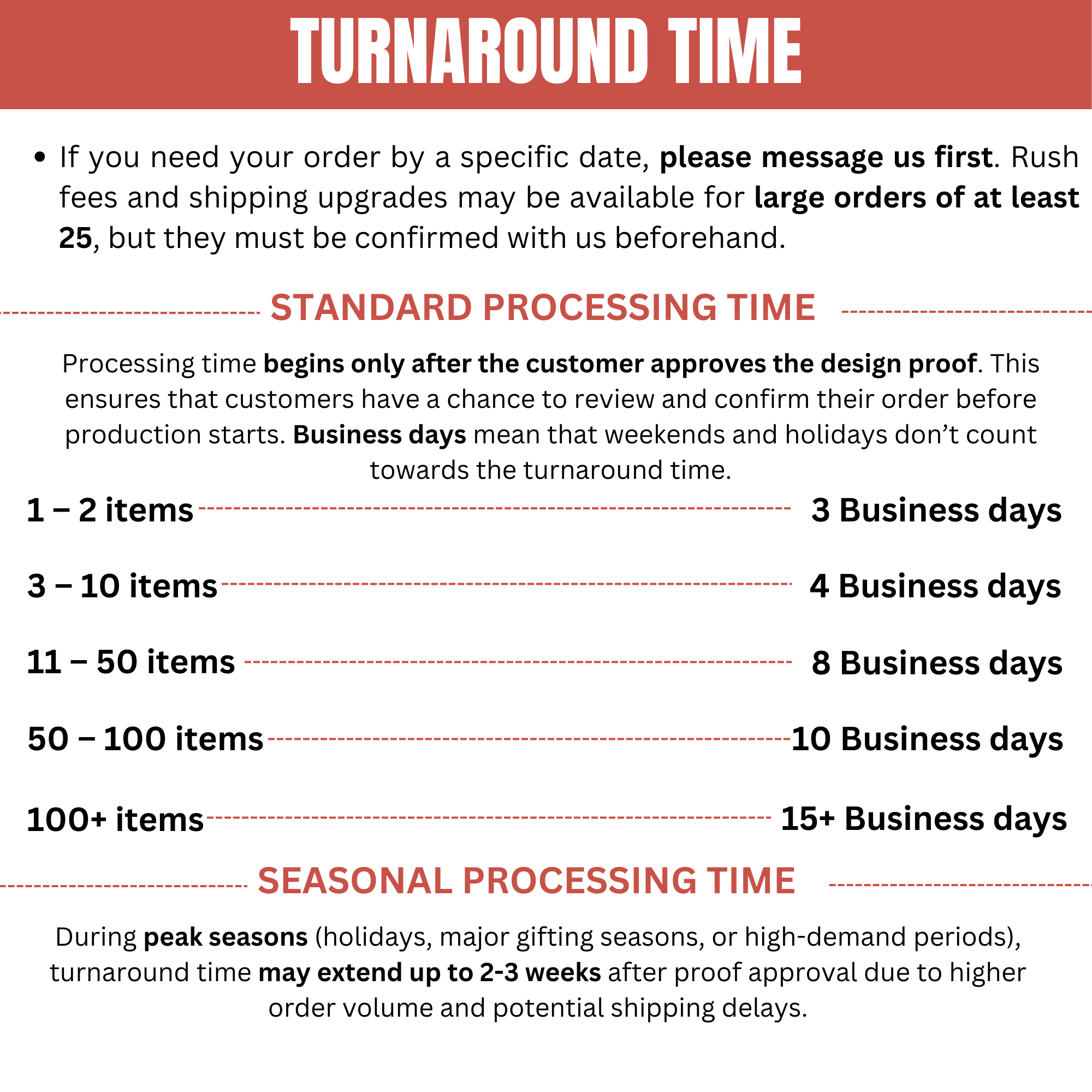
Processing time begins only after:
Your design is submitted correctly
All required fees are paid
The design proof is approved (if applicable)
Business days only — weekends and holidays do not count.
1–2 items: 3 business days
3–10 items: 4 business days
11–50 items: 8 business days
50–100 items: 10 business days
100+ items: 15+ business days
These timelines apply during normal production periods.
During peak seasons—including holidays, major gifting periods, and high-volume times—processing times can extend to 2–3 weeks or longer after design approval.
Peak seasons include, but are not limited to:
November–December (holiday orders)
Major gifting events
Large corporate or promotional order surges
During these times:
Production queues are longer
Carrier delays are more common
Delivery dates cannot be guaranteed, even with expedited shipping
If you need your order by a specific date, please message us as soon as possible.
Important notes:
Etsy’s displayed turnaround and delivery dates are system-generated and often not accurate
We can only evaluate deadlines based on current production capacity
Rush production or shipping upgrades may be available if capacity allows
Rush options may require additional fees and are not guaranteed
If your deadline cannot be met, we’ll let you know as early as possible.
Turnaround times are estimates, not delivery guarantees
Production does not start until all information is approved
Shipping time is separate from production time
Peak season orders take significantly longer
No. Delivery dates are not guaranteed. This includes the delivery dates shown by Etsy.
Etsy automatically generates estimated delivery dates using an automated system. These dates:
Are not set by us
Do not account for production queues, design approvals, or order complexity
Often underestimate production time, especially for custom and bulk orders
Are frequently inaccurate, particularly during peak seasons
Because of this, Etsy’s delivery dates should be treated as rough estimates only, not guaranteed arrival dates.
Your order will be produced according to the approved design
Production begins only after all details and fees are confirmed
Your order ships using the selected shipping method
We communicate promptly if issues arise
Exact delivery dates
Carrier transit times
Etsy’s estimated arrival dates
On-time delivery once the order is in the carrier’s possession
Even if you choose to upgrade your shipping, delivery dates are still not guaranteed.
Shipping upgrades:
Reduce transit time after your order ships
Do not shorten production or processing time
Do not move your order ahead in the production queue
Do not override carrier delays
Do not guarantee delivery by a specific date
Once your order leaves our facility, the carrier controls the delivery timeline.
Even overnight, express, or expedited shipping services can experience delays due to:
Weather conditions
High shipment volume
Peak seasons and holidays
Carrier operational issues
Upgrading shipping improves speed when everything runs smoothly, but it does not guarantee an arrival date under any circumstance.
If your order has a strict deadline, please message us as soon as possible so we can confirm whether a shipping upgrade is still available and realistic based on your order’s current status.
During peak seasons (holidays, gifting events, and high-volume periods):
Production times are longer
Carrier delays are more common
Etsy’s estimated dates are often incorrect
Because of increased order volume and carrier congestion, delays are more likely during these periods.
If your order was placed during a peak season, please plan for extended processing and transit time. We strongly recommend allowing extra time beyond Etsy’s estimated dates.
If your order needs to arrive by a specific date, please message us as soon as possible.
When you message us:
Tell us your required delivery date
We’ll confirm whether your timeline is realistic based on your order’s current status
We’ll let you know if rush production or shipping upgrades are still available (if applicable)
Orders placed without prior deadline confirmation are assumed to have flexible delivery timing.
Etsy delivery dates are system-generated estimates
Delivery timelines are not guaranteed
We are not responsible for carrier delays
We cannot honor Etsy’s estimated dates as firm deadlines
By placing an order, you acknowledge and accept that delivery dates, including those shown by Etsy, are estimates only.
If timing is critical, please message us as soon as possible so we can confirm whether your timeline is realistic based on your order’s current status.
Yes. If your order needs to arrive by a specific date, you must message us as soon as possible after placing your order.
Custom and bulk orders require production planning. Deadlines can only be evaluated before production begins and are not guaranteed unless reviewed and confirmed by our team.
Letting us know your deadline immediately after ordering allows us to:
Confirm whether your timeline is realistic based on current production volume
Check available production capacity
Recommend the most appropriate shipping option
Determine whether rush production is still possible
Prevent misunderstandings or missed expectations
Orders placed without a stated deadline are assumed to have flexible timing.
Etsy automatically displays estimated delivery dates, but these:
Are generated by Etsy’s system
Do not reflect our actual production queue
Often underestimate turnaround time for custom or bulk orders
Because of this, Etsy dates should not be used as deadlines.
If a deadline is not communicated promptly after ordering:
We proceed using our standard processing timeline
Rush production or shipping options may no longer be available
Shipping upgrades alone may not resolve timing constraints
We are not responsible if the order arrives later than expected
If your order must arrive by a certain date:
Message us immediately after placing your order
Share your required delivery date
Wait for confirmation that your timeline is feasible
If production has already started or your order has entered the production queue, deadline adjustments may no longer be possible.
Deadlines must be shared as soon as possible after ordering
Delivery dates are not guaranteed
Shipping upgrades do not guarantee arrival
Peak seasons require significantly more lead time
By placing an order without promptly sharing a deadline, you acknowledge that no delivery date has been guaranteed.
If timing is critical, always message us right away so we can advise you based on your order’s current status.
Yes — we may accept rush orders, but rush availability is limited and not guaranteed.
Rush requests can only be evaluated before your order enters the production queue and depend on:
Current production volume
Order size and complexity
Design readiness
Your required delivery date
Before placing your order, message us with your required delivery date. We’ll review your request and confirm whether a rush option is available.
If a rush order is approved:
A rush production fee may apply
Upgraded shipping is usually required
Rush orders must be paid in full before production begins
Rush fees help cover:
Reprioritizing your order in our production queue
Overtime production and additional labor
Tight turnaround coordination
Shipping upgrades reduce transit time after the order ships
Shipping upgrades do not guarantee delivery
Carrier delays can still occur, even with express services
Rush production and shipping upgrades are separate charges and both may be required.
Not all products or quantities qualify for rush
Peak seasons significantly limit rush availability
Etsy’s estimated delivery dates cannot be used as deadlines
Rush requests must be reviewed before production begins
Rush fees and shipping upgrades may apply
Delivery dates are not guaranteed
Orders placed without rush approval are processed under standard turnaround
If you’re working with a tight deadline, message us as soon as possible so we can confirm what’s realistic based on your order’s current status.
Etsy only updates the order status once your order has shipped.
Before shipment, Etsy will continue to show your order as processing. Internally, your order moves through the stages below.
We’ve received your order, but your design has not yet been submitted.
This may mean:
A personalization or live preview link was not completed, or
Our design submission form has not been submitted
⚠️ Orders cannot move forward until the design is received.
Your design has been submitted and reviewed.
This means:
The file appears laser-ready
We may message you to:
Confirm details
Clarify placement or size
Resolve any design concerns
⚠️ In this stage, engraving has not started yet.
Your order has been finalized and scheduled for production, but engraving may not have started yet.
This means:
Your design, quantity, and details are confirmed
Materials are reserved for your order
Your order is lined up to be engraved next
⚠️ At this stage, changes are no longer possible.
Even if engraving has not physically started, the order is locked to prevent errors and delays.
This includes changes to:
Quantity
Design
Shipping method
Once an order enters the production queue, it must proceed as submitted.
Changes are allowed only before your order enters the production queue.
Once an order is finalized and placed into the production queue, it is locked and must proceed as submitted.
If your order is still in one of the following stages:
Awaiting Design
Ready for Production
You may request:
Quantity corrections
Design adjustments (within revision limits)
Shipping upgrades
Please message us as soon as possible with your request.
If your order has entered the Production Queue or In Production:
Changes are not possible
This includes:
Quantity
Design
Shipping method
At this stage, materials are reserved and the order is locked to prevent production errors and delays.
Any change may pause your order
Quantity or shipping changes may require an additional invoice
Design changes beyond the first revision may require a design fee
Production timelines begin only after all details are finalized
Yes. Any requested change can affect your order timeline, depending on when the request is made and what needs to be changed.
Here’s how different changes may impact your order:
Design revisions
May pause your order while revisions are made
Additional revisions beyond the first may require a design fee
Production does not resume until the design is finalized
Quantity corrections
Orders are placed on hold until pricing is corrected
An invoice may be required for the price difference
Production resumes only after payment is received
Shipping upgrades
May require an additional invoice
Shipping changes must be completed before the order enters the production queue
If a change is requested after your order is finalized or enters the production queue, it may no longer be possible.
Any change may pause production temporarily
Production timelines restart once all details are confirmed
We’ll always notify you if a change affects timing or requires additional payment before proceeding
Responding promptly to messages and reviewing previews carefully helps keep your order on schedule.
In most cases, no.
Production is scheduled and materials are allocated based on the quantities submitted at checkout, so additional items cannot be added to an existing order.
If you place an additional order immediately after your original order and before the first order enters the production queue, we may be able to process them together.
This is not guaranteed and depends on timing and production scheduling.
Additional items always require a new order
Orders placed later may follow a separate production schedule
Once an order enters the production queue, it is locked
Yes — but only if you message us immediately.
Address changes may be possible before your order enters the production queue.
Address changes are not possible after shipment
Carriers control routing once a package is in transit
We offer the following shipping options at checkout:
Standard Shipping
Lowest-cost option
No delivery date guarantee
Expedited / 2-Day Shipping
Faster transit after shipment
Best balance of speed and reliability
Overnight Shipping
Fastest transit option once shipped
Best for time-sensitive orders
📌 Important clarification
Upgraded shipping only reduces transit time after your order ships.
It does not:
Reduce production or processing time
Move your order ahead in the production queue
Guarantee delivery by a specific date
Production time and shipping time are separate and are calculated independently.
Your order will ship after production is completed.
Shipping timing depends on:
Order size and customization complexity
When your design and details were finalized
Current production volume
Whether your order was placed during a peak season
Production time and shipping time are separate
Shipping speed applies only after your order ships
Upgrading shipping does not shorten production time
Once your order ships:
Etsy will automatically update your order status
Tracking information will be provided
Orders do not ship immediately because custom production must be completed first.
Your order may not have shipped yet if it is in one of these stages:
Awaiting design submission or approval
Waiting for required design or setup fees to be paid
In the production queue
Currently being engraved or prepared for shipment
Etsy will continue to show your order as “Processing” until it ships
Etsy does not show internal production stages
Production time begins only after all order details are finalized
This is normal for custom and bulk orders.
No. Delivery dates are not guaranteed. This includes the delivery dates shown by Etsy.
Etsy automatically generates estimated delivery dates using an automated system. These dates:
Are not set by us
Do not account for production queues, design approvals, or order complexity
Often underestimate production time, especially for custom and bulk orders
Are frequently inaccurate, particularly during peak seasons
Because of this, Etsy’s delivery dates should be treated as rough estimates only, not guaranteed arrival dates.
Your order will be produced according to the approved design
Production begins only after all details and fees are confirmed
Your order ships using the selected shipping method
We communicate promptly if issues arise
Exact delivery dates
Carrier transit times
Etsy’s estimated arrival dates
On-time delivery once the order is in the carrier’s possession
Even if you choose to upgrade your shipping, delivery dates are still not guaranteed.
Shipping upgrades:
Reduce transit time after your order ships
Do not shorten production or processing time
Do not move your order ahead in the production queue
Do not override carrier delays
Do not guarantee delivery by a specific date
Once your order leaves our facility, the carrier controls the delivery timeline.
Even overnight, express, or expedited shipping services can experience delays due to:
Weather conditions
High shipment volume
Peak seasons and holidays
Carrier operational issues
Upgrading shipping improves speed when everything runs smoothly, but it does not guarantee an arrival date under any circumstance.
If your order has a strict deadline, please message us as soon as possible so we can confirm whether a shipping upgrade is still available and realistic based on your order’s current status.
During peak seasons (holidays, gifting events, and high-volume periods):
Production times are longer
Carrier delays are more common
Etsy’s estimated dates are often incorrect
Because of increased order volume and carrier congestion, delays are more likely during these periods.
If your order was placed during a peak season, please plan for extended processing and transit time. We strongly recommend allowing extra time beyond Etsy’s estimated dates.
If your order needs to arrive by a specific date, please message us as soon as possible.
When you message us:
Tell us your required delivery date
We’ll confirm whether your timeline is realistic based on your order’s current status
We’ll let you know if rush production or shipping upgrades are still available (if applicable)
Orders placed without prior deadline confirmation are assumed to have flexible delivery timing.
Etsy delivery dates are system-generated estimates
Delivery timelines are not guaranteed
We are not responsible for carrier delays
We cannot honor Etsy’s estimated dates as firm deadlines
By placing an order, you acknowledge and accept that delivery dates, including those shown by Etsy, are estimates only.
If timing is critical, please message us as soon as possible so we can confirm whether your timeline is realistic based on your order’s current status.
Yes. Shipping upgrades may be possible before your order enters the production queue.
If you want to upgrade:
Message us immediately after ordering
We’ll confirm whether an upgrade is still available
An additional invoice may be required
Once an order enters the production queue, shipping changes may no longer possible.
No — unless you shared your required delivery date and we explicitly confirmed we could meet it.
Shipping upgrades on their own do not guarantee delivery.
Shipping upgrades:
Reduce transit time after your order ships
Do not shorten production or processing time
Do not move your order ahead in the production queue
Do not override carrier delays
Once your order ships, the carrier controls the delivery timeline.
Even overnight or express services may experience delays due to:
Weather conditions
Holidays and peak seasons
High shipment volume
Carrier operational issues
Upgrading shipping improves speed only when everything runs smoothly, but arrival dates are not guaranteed unless:
You shared your required delivery date, and
We reviewed it, and
We confirmed in writing that your order could be completed in time
If no such confirmation was given, delivery dates remain estimates only.
You’ll receive tracking information only after your order has shipped.
Once your order ships:
Etsy will automatically update your order status
A tracking number will be added to your order
You’ll receive a shipping notification from Etsy
At that point, delivery timing is controlled by the carrier.
This is normal and usually not a cause for concern.
After your order ships, tracking updates are controlled by the carrier, not by us or Etsy.
The shipping label was created, but the carrier has not scanned the package yet
The package is waiting for its first pickup or scan
Tracking updates are delayed during weekends or holidays
Carrier systems are experiencing temporary delays
High shipment volume during peak seasons
It’s common for tracking to show “Label created” or no movement for 24–48 hours after shipment.
Please allow 24–48 hours for the first tracking update after shipment
During peak seasons or weekends, updates may take longer
If your tracking hasn’t updated or shows an issue, we recommend contacting the carrier directly first, as they control tracking scans and delivery timelines.
You may also message us if:
Tracking has not updated after 48 hours, or
The carrier shows an exception, delay, or delivery issue
We’re happy to help review the tracking information and guide you on next steps, but carriers are best equipped to provide real-time updates once a package is in transit.
Tracking updates are handled by the carrier
Delays in tracking scans do not mean your order is lost
We cannot force carriers to update tracking in real time
This is common and usually not a cause for concern. Once your order ships, movement and tracking updates are controlled by the carrier, not by us.
The package is waiting for its first carrier scan after pickup
The shipment is between carrier facilities and hasn’t been scanned yet
Tracking updates are delayed due to high shipment volume
Weekends or holidays slow scanning and transit
Weather or regional disruptions are affecting carrier operations
It’s normal for tracking to show no movement for 24–48 hours, especially during peak seasons.
We recommend contacting the carrier directly for the most accurate, real-time information.
Carriers can see internal scans and routing details that aren’t visible online.
You’re welcome to message us if:
Tracking has shown no movement for more than 48 hours, or
The carrier indicates an exception, delay, or delivery issue
We’re happy to help review the tracking and assist where possible, but carriers control transit and updates.
Lack of movement does not mean your shipment is lost
Tracking updates can batch or appear all at once
Carrier delays are outside our control
This can happen and is usually normal carrier routing behavior.
Once your order ships, the carrier controls routing and delivery, not us. Packages may temporarily move to a different city or facility before heading to the final destination.
The carrier rerouted the package to a regional sorting hub
The shipment is being transferred between carrier facilities
The carrier optimized the route due to volume or capacity constraints
Weather, congestion, or operational issues caused a temporary reroute
This does not mean your package was delivered to the wrong address.
We recommend contacting the carrier directly for the most accurate, real-time information.
Carriers can confirm routing details and reassure you if the package is still en route.
Please message us if:
The carrier confirms an address error, or
Tracking shows delivery completed to the wrong address
We’ll review the situation and assist as needed.
Temporary rerouting is common, especially during peak seasons
Tracking addresses may appear confusing but often correct themselves
We cannot change carrier routing once a package is in transit
This is more common than most people realize and does not automatically mean the package is lost.
Check around your delivery location
Ask neighbors, coworkers, or building management
Allow up to 24 hours, as carriers sometimes mark packages delivered early
Contact the carrier directly to open a delivery inquiry
Carriers can confirm GPS delivery scans and exact drop-off details
If the carrier confirms a delivery error, message us and we’ll help review next steps.
📌 Once a package is marked delivered, responsibility typically transfers to the carrier or recipient.
Yes, we do — however, additional shipping charges and limitations may apply.
Carrier options may be limited for PO boxes and APO addresses
International shipments may involve:
Higher shipping costs
Customs duties or taxes (paid by the recipient)
Longer and less predictable transit times
Etsy displays estimated shipping costs only.
If the actual carrier cost exceeds Etsy’s estimate:
We’ll contact you
We may request payment for the shipping cost difference
Orders may be placed on hold until resolved
If your order arrives damaged, please contact us within 48 hours of delivery.
Clear photos of the damaged item(s)
Photos of the shipping box and packaging
We’ll review the damage and determine the next steps, which may include:
Replacement (when applicable)
Carrier claim assistance
Minor packaging wear does not always indicate product damage
Transit damage is handled case by case
Custom items are not refundable, but we will address verified shipping damage fairly
Please message us within 48 hours of delivery and include:
Clear photos of the damaged item(s)
Quantity of damaged item(s)
Photos of the shipping box and packaging
We’ll review the photos and determine the next steps, which may include a replacement or carrier claim assistance.
Damage must be reported within 48 hours
Minor packaging wear alone is not considered damage
If you believe the design engraved on your item is incorrect, please message us within 48 hours of delivery and include:
Clear photos of the item(s) received
A brief explanation of what appears incorrect
We’ll review the item against:
The design you submitted, or
The approved proof or preview (if applicable)
If the item was engraved exactly as submitted or approved, it is considered correct
Spelling, layout, sizing, and placement are engraved as provided
Preference-based concerns (wanting the design larger, smaller, centered differently, etc.) are not considered errors
If a confirmed production error occurred on our end, we’ll work with you to resolve it appropriately.
Yes. Laser engraving naturally varies, especially on glass and curved surfaces.
What’s normal:
Glass engraving appears frosted white, not solid white
Engraving depth and brightness can vary slightly from item to item
Lighting, background color, and viewing angle affect how the engraving appears
Natural glass variations can influence how light reflects through the engraving
Photos and screen previews may also look different than the engraving in person due to lighting and contrast.
Minor variation in engraving brightness or depth is not considered a defect
These variations do not affect durability, readability, or quality
Items engraved exactly as submitted or approved are considered correct
No. Minor imperfections are normal and expected in glassware.
Glassware is produced using a high-heat molding process, and small variations naturally occur as the molten glass is formed, cooled, and finished. These characteristics are part of real glass and do not affect quality, durability, or usability.
📌 This information is also clearly stated:
In the product listing, and
In our Pre-Order FAQ under Product & Engraving Questions
You may notice one or more of the following:
Small air bubbles, including tiny bubbles near or along the rim
Light surface marks or faint scratches
Slight thickness variation around the rim
Minor unevenness in the glass surface
These are natural characteristics of real glass, not defects.
During the glassmaking process:
Molten glass is shaped under extreme heat
Glass cools and sets at slightly different rates
Manual or semi-automated forming can introduce small variations
As a result, minor air bubbles, surface marks, or thickness differences may occur. These characteristics are common across both commercial and premium glassware brands and are considered standard within the industry.
No.
Engraving is permanent and unaffected by these variations
We carefully place designs to minimize visibility of natural imperfections whenever possible
Minor glass variations do not reduce engraving clarity, durability, or professionalism
Your logo or design will still engrave cleanly and consistently.
No.
Minor imperfections such as small bubbles, light surface marks, or slight thickness variation are not considered defects and do not qualify for replacement.
Only true defects, such as:
Cracked glass
Chipped rims
Structural damage
would qualify for review or resolution.
Minor imperfections are normal in glassware
They are part of the natural glassmaking process
They do not affect engraving quality or usability
These details are disclosed in the listing and Pre-Order FAQ
Only cracks or chips are considered defects
If you notice damage beyond normal manufacturing characteristics, please contact us within 48 hours of delivery and we’ll be happy to review it.
All items are custom-made and produced specifically for your order.
Returns or exchanges are accepted only if:
The item arrived damaged, or
There is a confirmed production error on our part
Returns or exchanges are not accepted for:
Preference-based concerns
Buyer-submitted design errors
Changes of mind after delivery
Assumptions about size, placement, or appearance
Custom items are final sale once produced.
Once your order ships, delivery timing is controlled by the carrier, not us.
Carrier delays can occur due to:
Weather conditions
High shipment volume
Holidays and peak seasons
Carrier operational or routing issues
Delivery dates are not guaranteed
Etsy’s estimated dates are not firm deadlines
Carrier delays do not qualify for refunds, replacements, or remakes
Yes. Slight unevenness or variation in the base of a glass is normal and can occur during the glass manufacturing process.
Glasses are made from molten glass and designed with thick, heavy bases for weight and stability. As the glass is formed and cooled, minor variations in thickness or internal leveling can naturally happen, even with high-quality glassware.
Glass is shaped at extremely high temperatures and then cooled. During this process:
Molten glass may settle unevenly inside the mold
Cooling and contraction can vary slightly
Thick bases can develop small internal variations
These are standard manufacturing tolerances and are common across commercial and premium bar glassware.
No. This does not indicate a defect, damage, or low quality.
Minor base variation does not affect:
Stability
Safety
Durability
Engraving quality
Everyday use
Yes. This characteristic is found in many widely used whiskey glasses, including those used in bars, restaurants, and by major glass manufacturers.
No. Engraving does not cause base unevenness.
Our team inspects each glass and engraves on the best visual side to ensure the design looks balanced and professional. Any internal or base variation exists in the glass prior to engraving.
Achieving perfect uniformity in glassware is not feasible in mass production, and minor thickness variations are considered normal manufacturing tolerances.
Glassware that appears perfectly uniform typically requires thinner glass, which can:
Reduce durability
Increase air bubbles
Result in weaker engraving quality
We prioritize strength, engraving quality, and long-term use over cosmetic perfection.
In most cases, these variations are only noticeable upon close inspection and do not affect normal use.
If you are extremely particular about base or internal uniformity, custom-engraved glassware may not be the best fit, as all glass manufacturing involves natural variation.
Glass is a naturally variable material. Small differences in the base or interior are a normal characteristic of real glass, not a flaw.
You can reach our customer service team by emailing support@custombranddepot.com or by calling our phone number (605) 681-6656.
Our business hours are Monday through Friday from 9:00am to 5:00pm CST.
Yes, we do have a physical address. Our headquarters is located at 1812 E Dakota Ave, Pierre, SD 57501